






Reference Letter Templates for Word
Every reference letter we make is a straight .docx \u2014 open it in Microsoft Word (2010 through 365), replace the [bracketed] prompts, save a PDF, done. No macros, no add-ins, no template-gallery installs, no signup wall. Eight general-purpose designs below, and every situation letter \u2014 court to co-op board \u2014 one link deeper.
The general reference letter, dressed eight ways.
Identical complete letter inside each \u2014 pick the letterhead that suits the writer, from bare minimalist to bold banner.
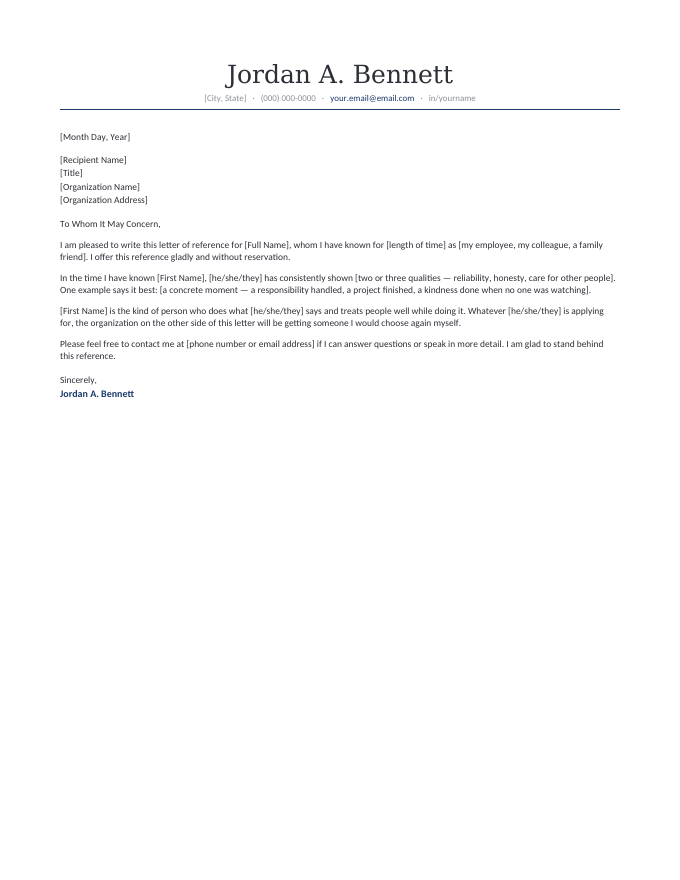
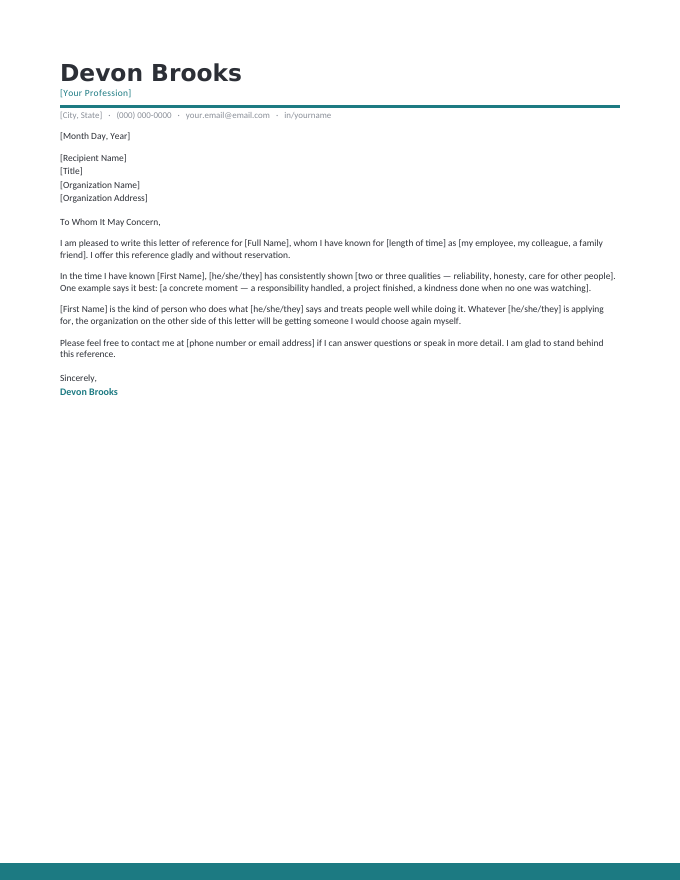
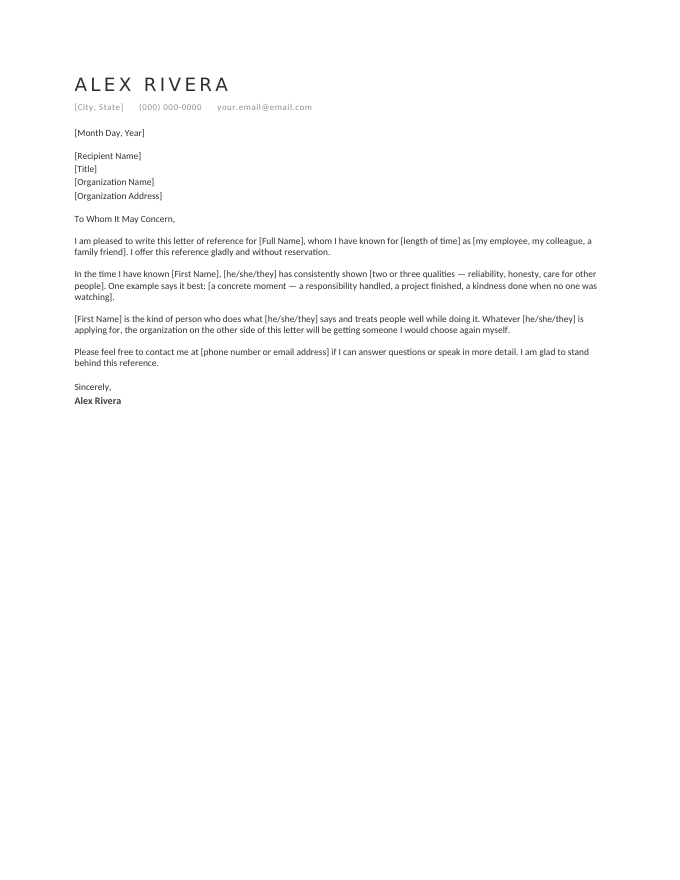
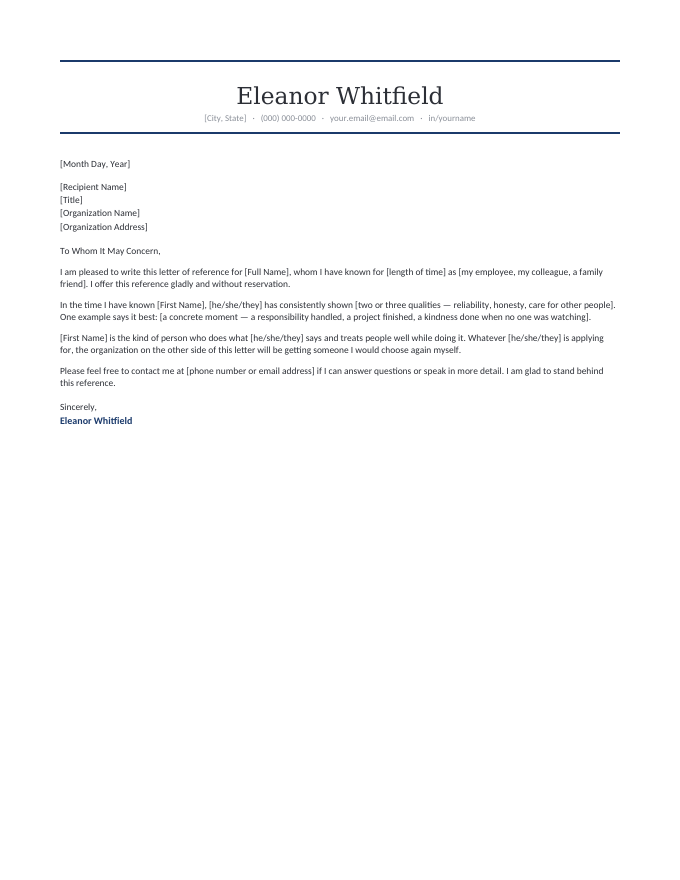
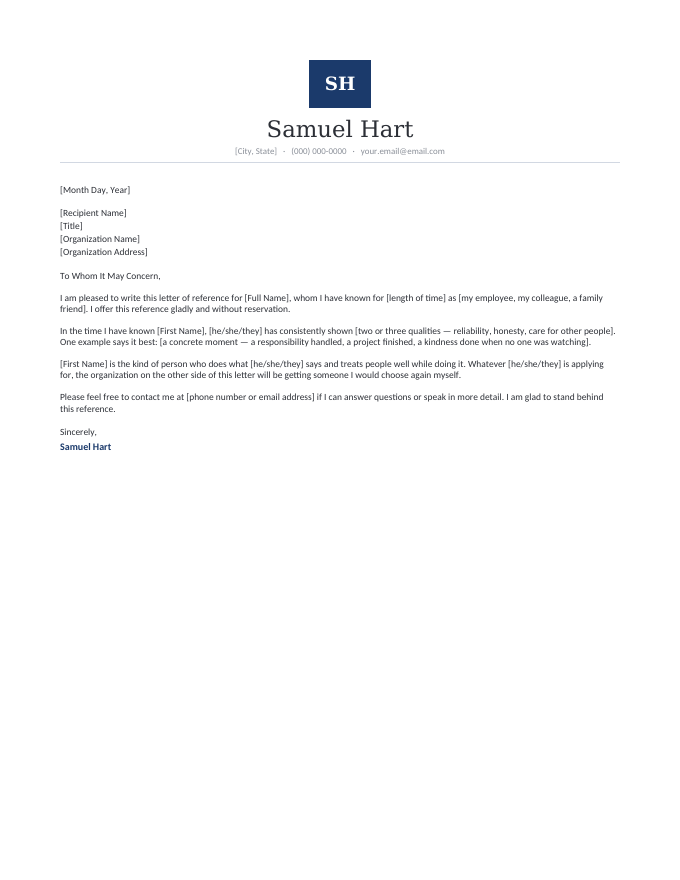
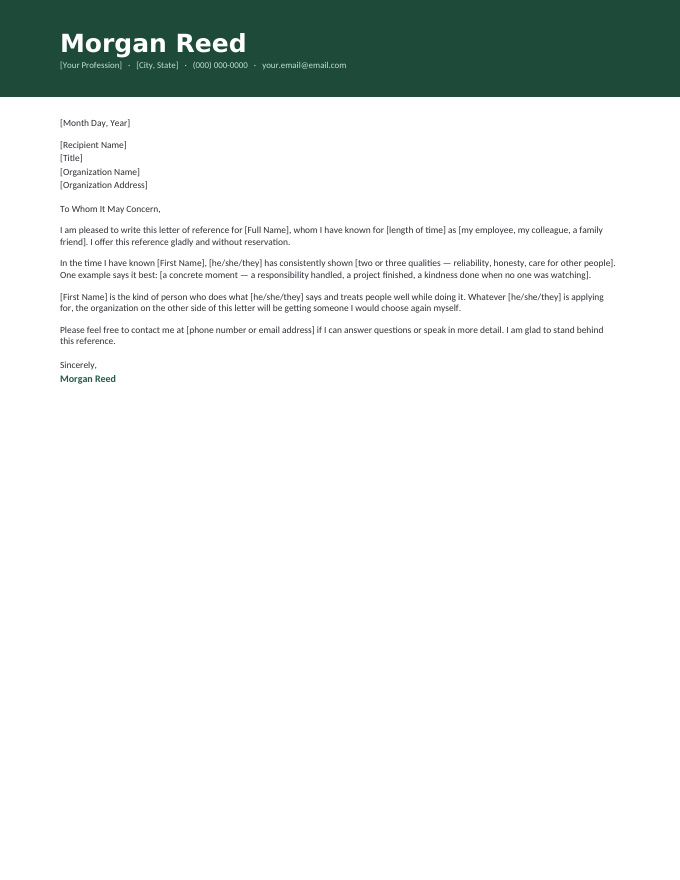
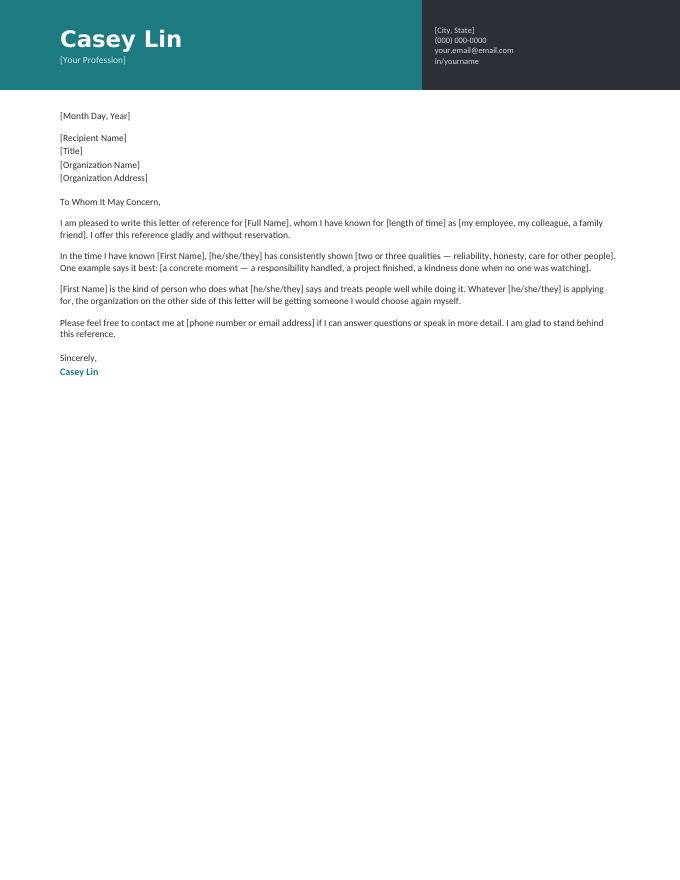
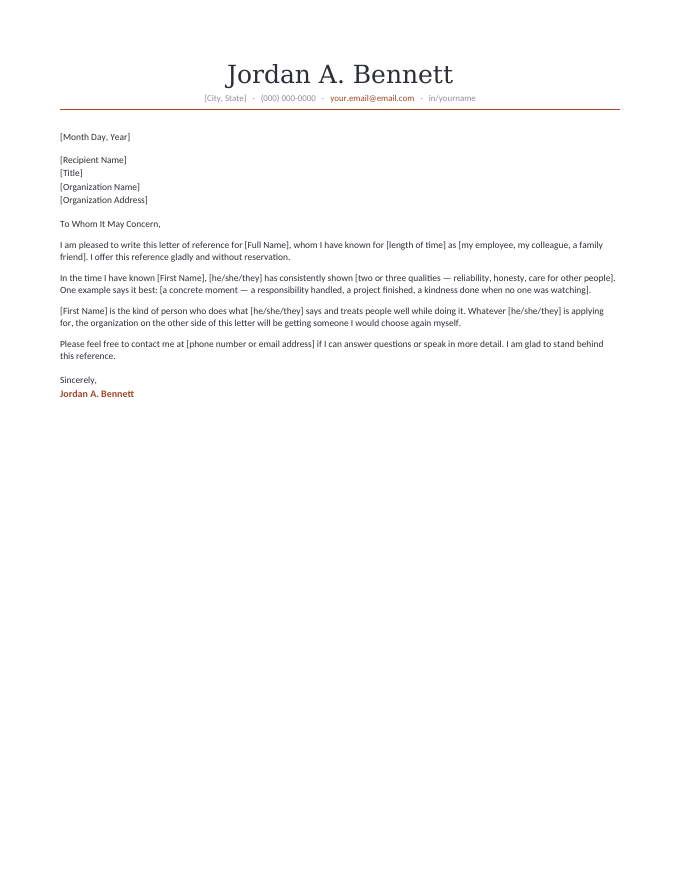
The letter inside every template, read in full.
[Month Day, Year]
[Recipient Name]
[Title]
[Organization Name]
[Organization Address]
To Whom It May Concern,
I am pleased to write this letter of reference for [Full Name], whom I have known for [length of time] as [my employee, my colleague, a family friend]. I offer this reference gladly and without reservation.
In the time I have known [First Name], [he/she/they] has consistently shown [two or three qualities — reliability, honesty, care for other people]. One example says it best: [a concrete moment — a responsibility handled, a project finished, a kindness done when no one was watching].
[First Name] is the kind of person who does what [he/she/they] says and treats people well while doing it. Whatever [he/she/they] is applying for, the organization on the other side of this letter will be getting someone I would choose again myself.
Please feel free to contact me at [phone number or email address] if I can answer questions or speak in more detail. I am glad to stand behind this reference.
Sincerely,
Jordan A. Bennett
A format the reader's office already trusts.
Reference letters get printed, signed, scanned, and filed — a plain Word document survives that whole journey without surprises:
- Everything is editable — letterhead name, date, recipient block, body, closing. It’s your letter the moment it opens.
- Brackets mark every decision — search for [ in Word to find any prompt you haven’t filled yet before sending.
- PDF in one step — File → Save As → PDF is the delivery format; send the .docx only when someone asks to edit.
Works identically in Word for Windows and Mac, and imports cleanly into LibreOffice and Google Docs if that’s where you write.
The whole workflow.
- Download a design above — or start from a situation letter (court, rental, adoption…) via the links below.
- Replace every [bracket]: names, dates, relationship, and the one concrete story that makes it yours.
- Save as PDF, sign (ink or typed), and send it to the person who asked — same day earns you a favor back.
Word template FAQ
Do these work in my version of Word?
Can I use these in Google Docs or LibreOffice?
Are these really free? What's the catch?
Which template should I pick if I'm unsure?
Reference Letter Templates for Word · Updated September 2026