






School Letterhead Templates
Ten free school letterhead templates for Microsoft Word and Google Docs — elementary, high school, district office, university department, private and Christian school, preschool, PTA, teacher, the principal’s official letter and community college. Each one already carries the contacts a school letter needs: attendance line, nurse, counseling, records.
10 school letterhead examples
Every template ships in both Microsoft Word (.dotx) and Google Docs. The .dotx download opens in Word as a fresh document; the Google Docs link opens a copy directly in your browser.
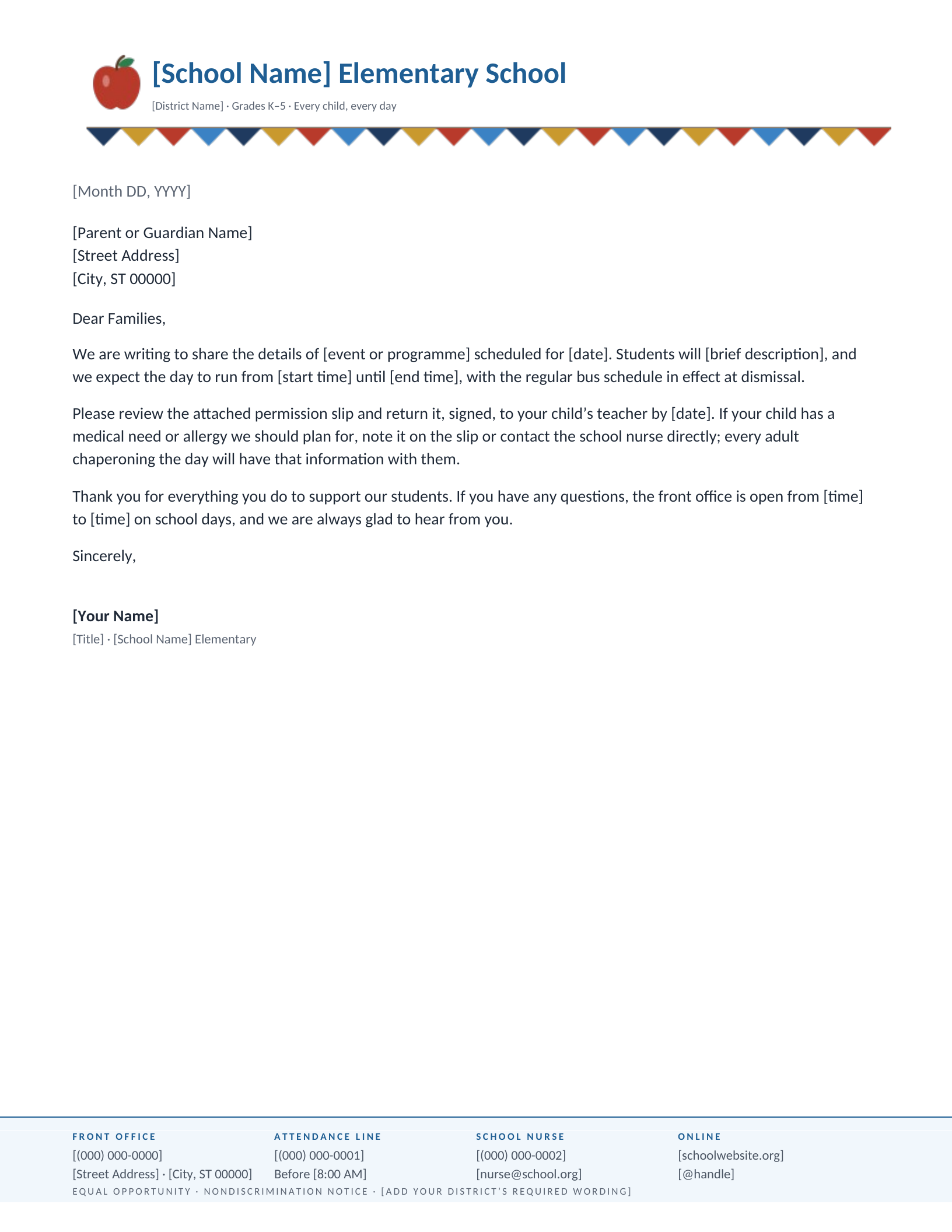
Elementary School
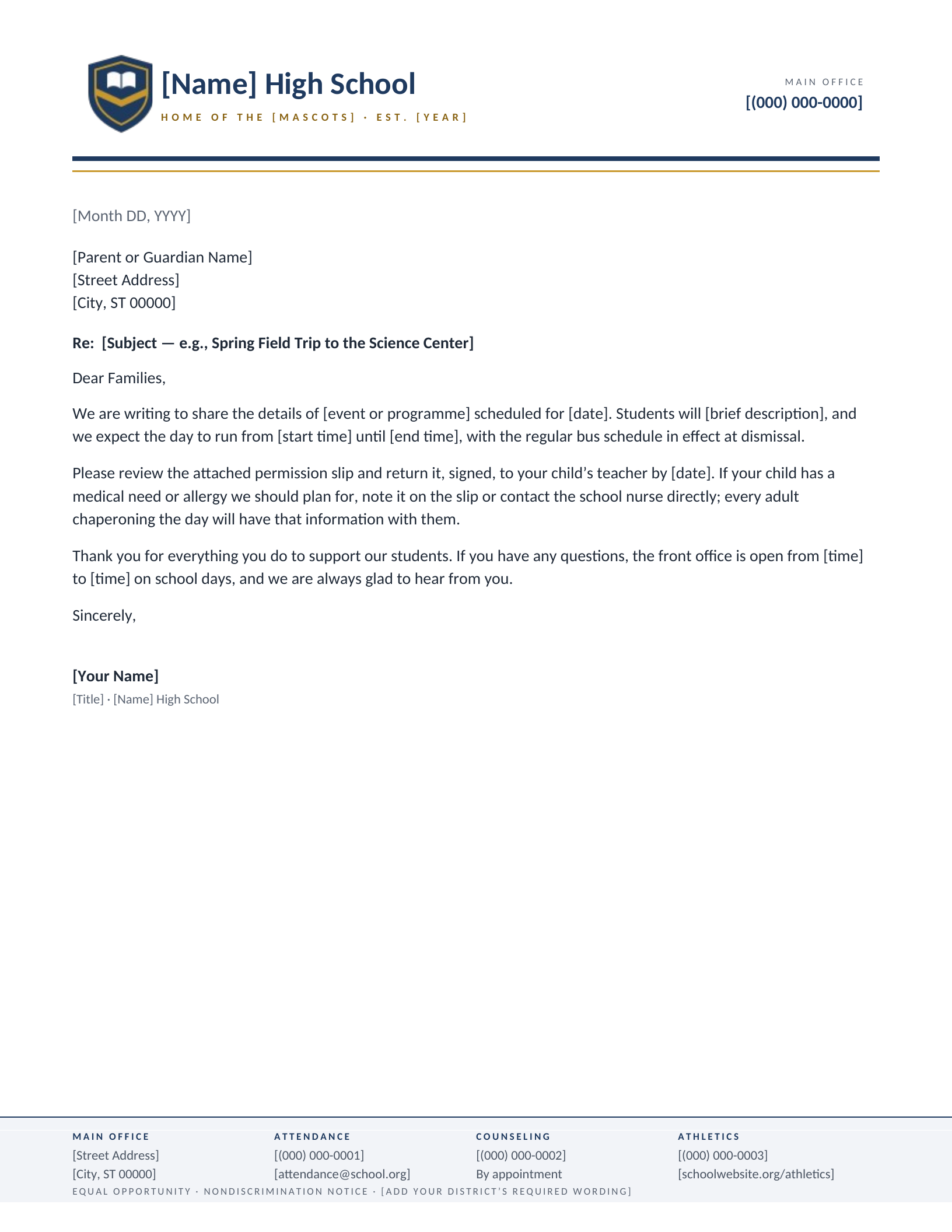
High School
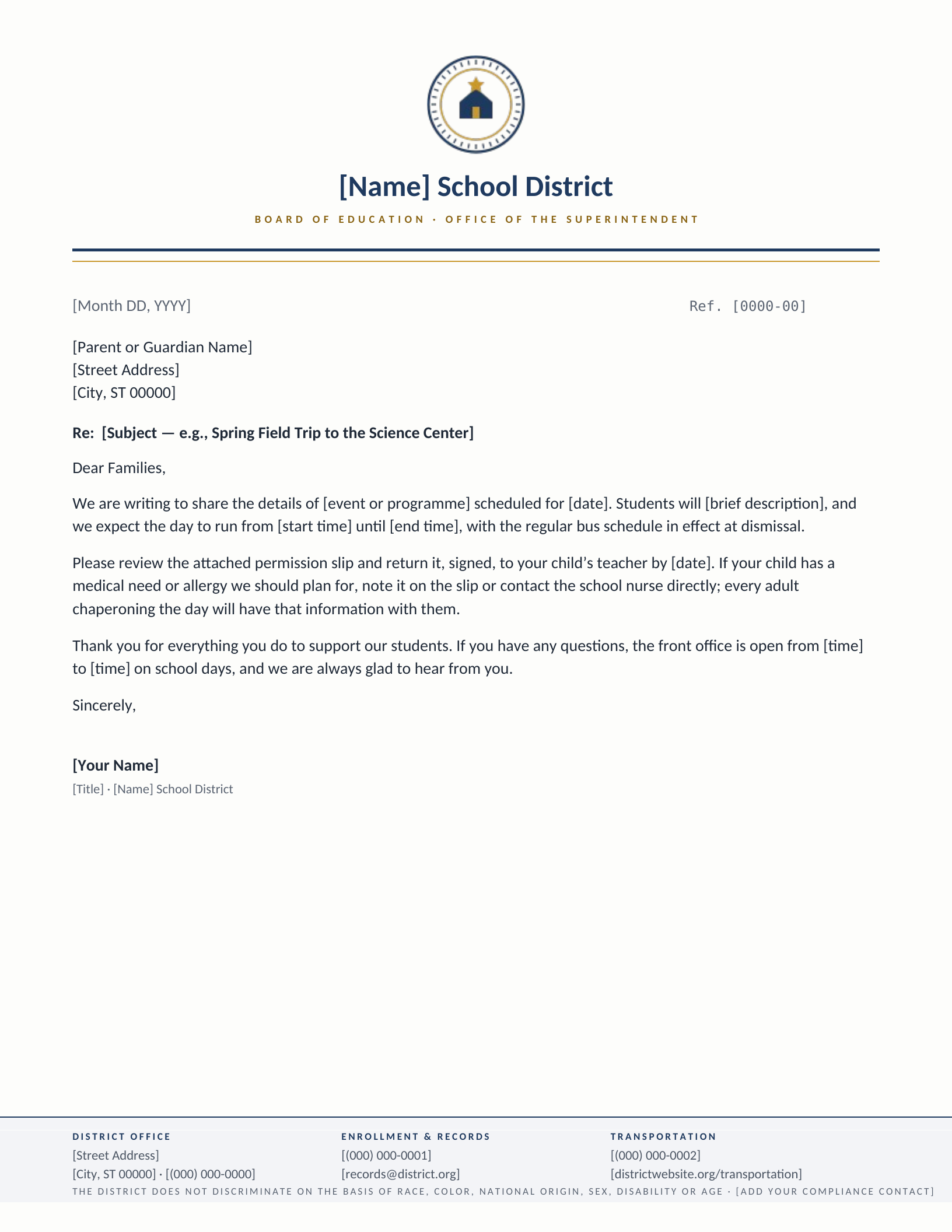
School District Office
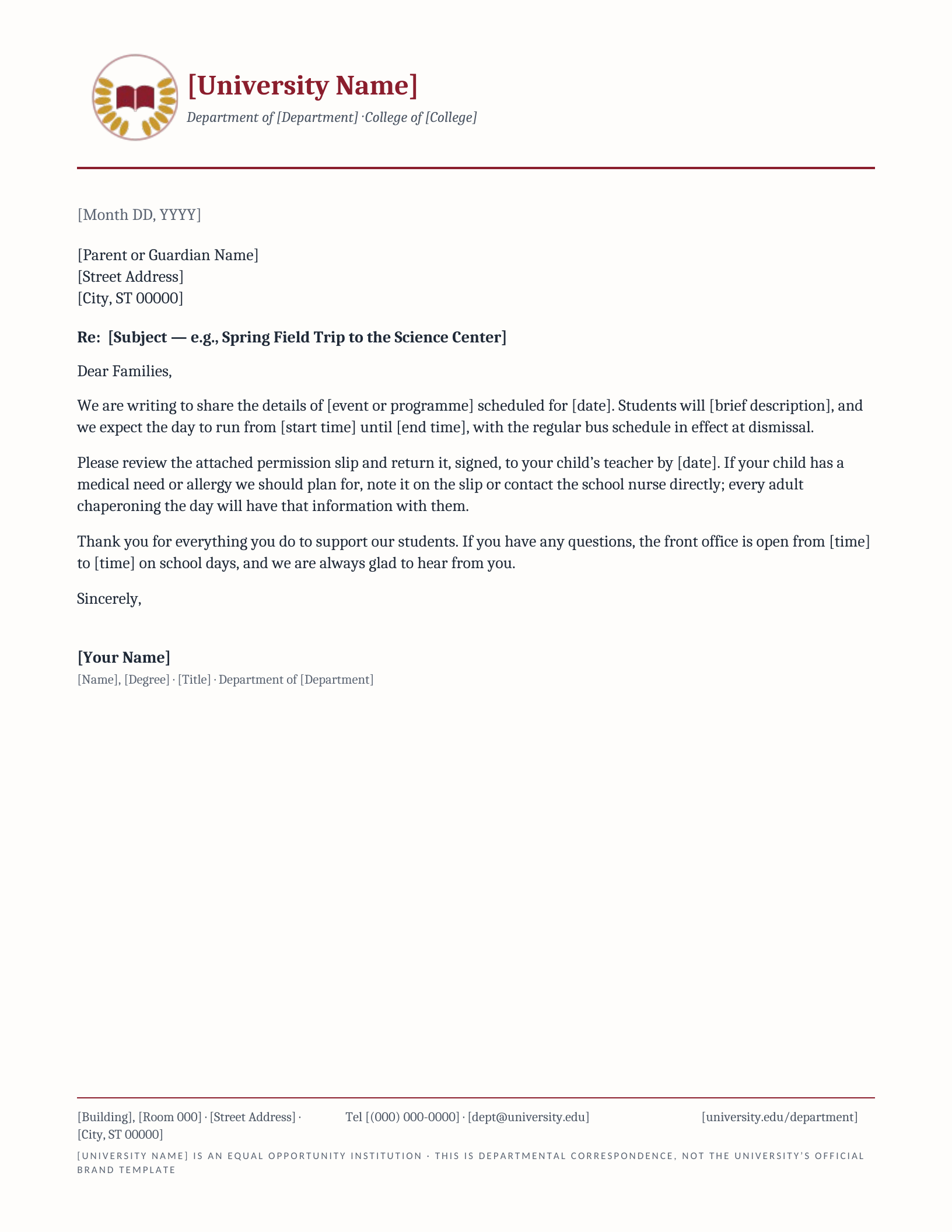
University Department
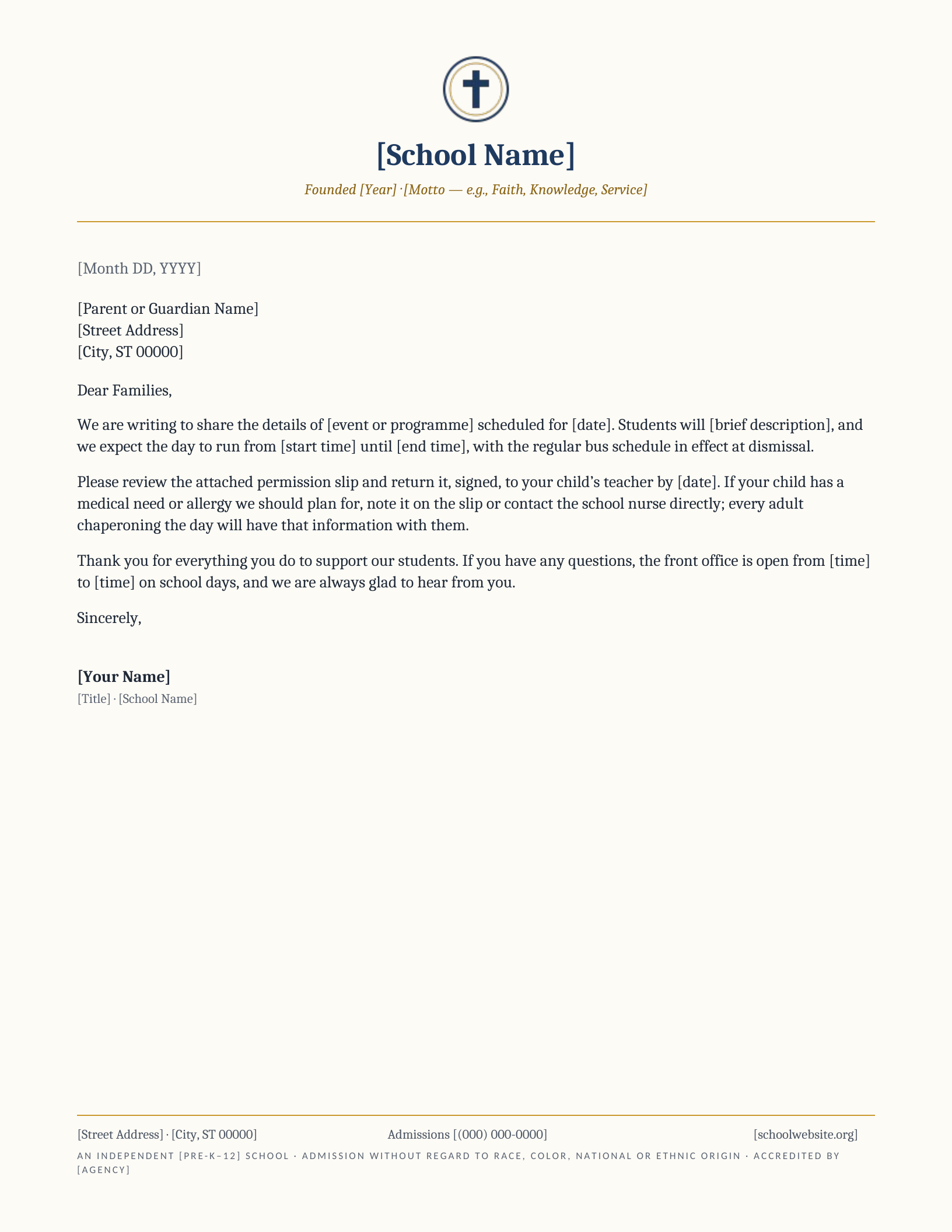
Private & Christian School
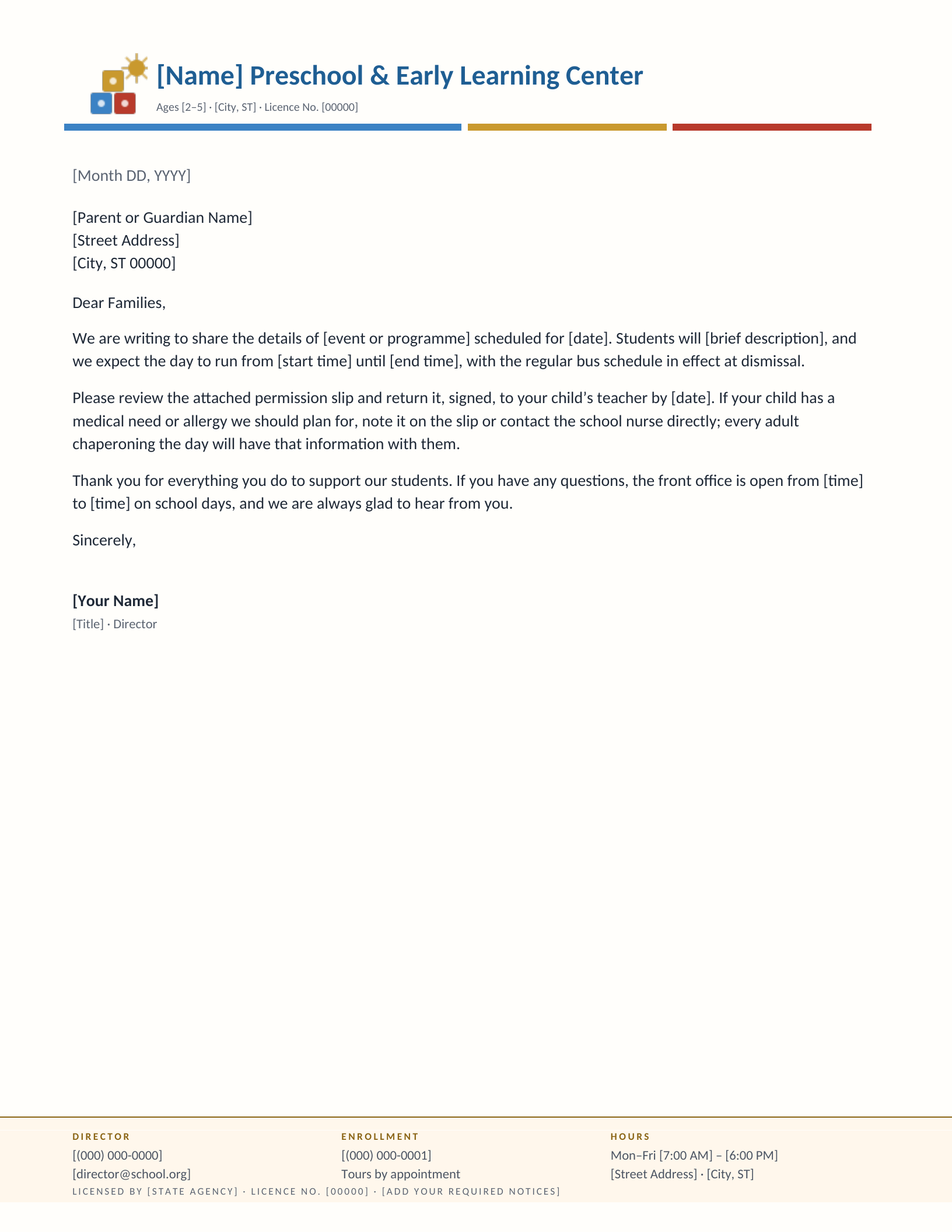
Preschool & Daycare
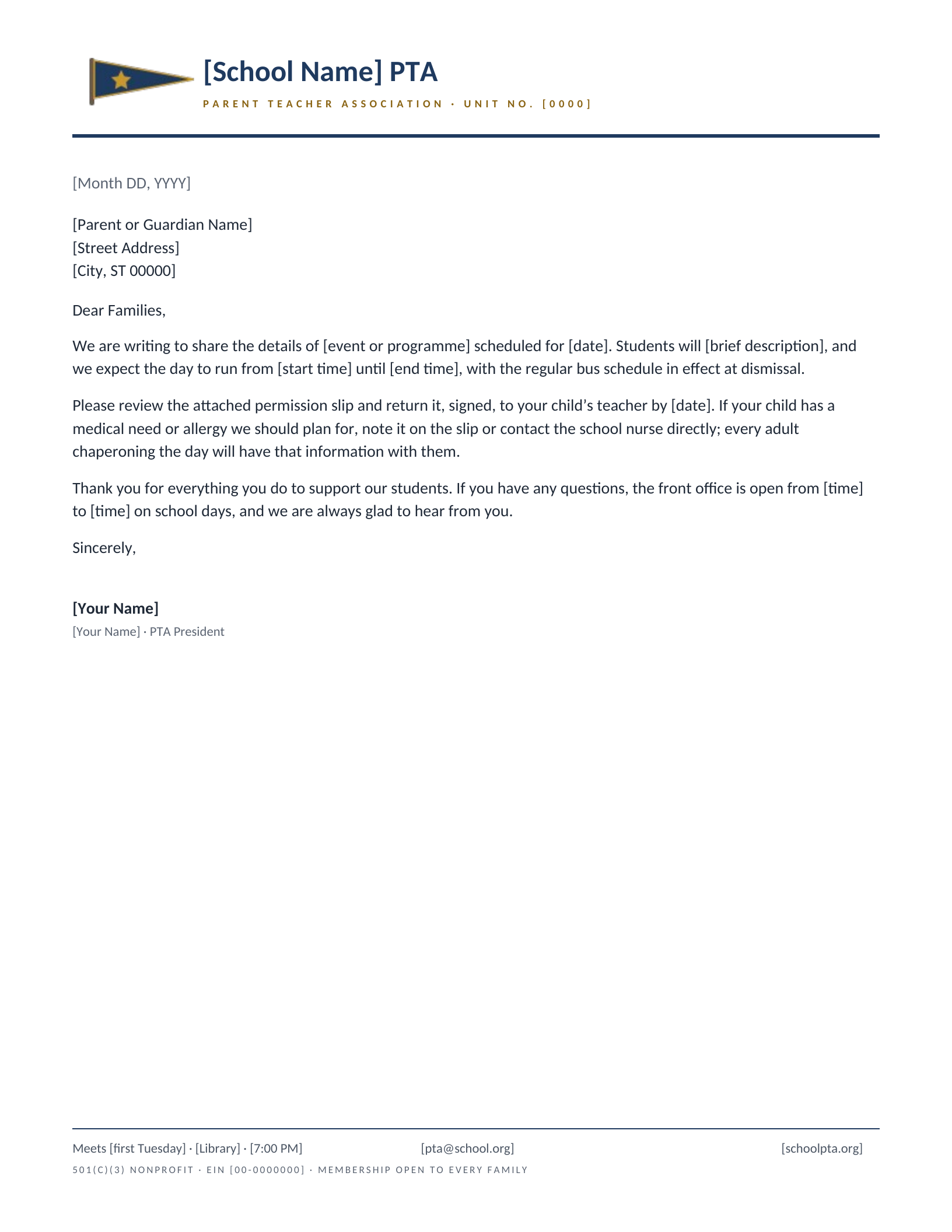
PTA & Booster Club
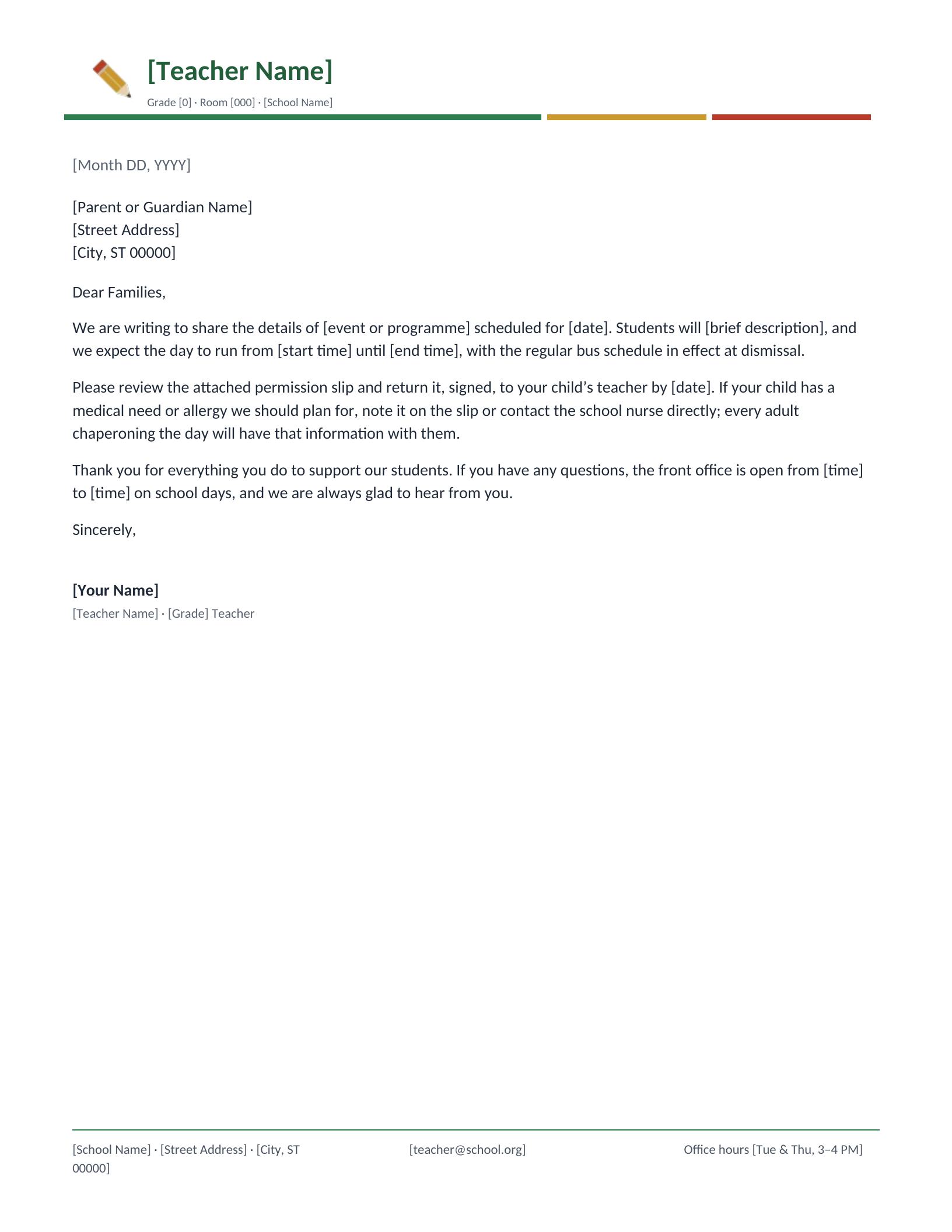
Teacher & Classroom
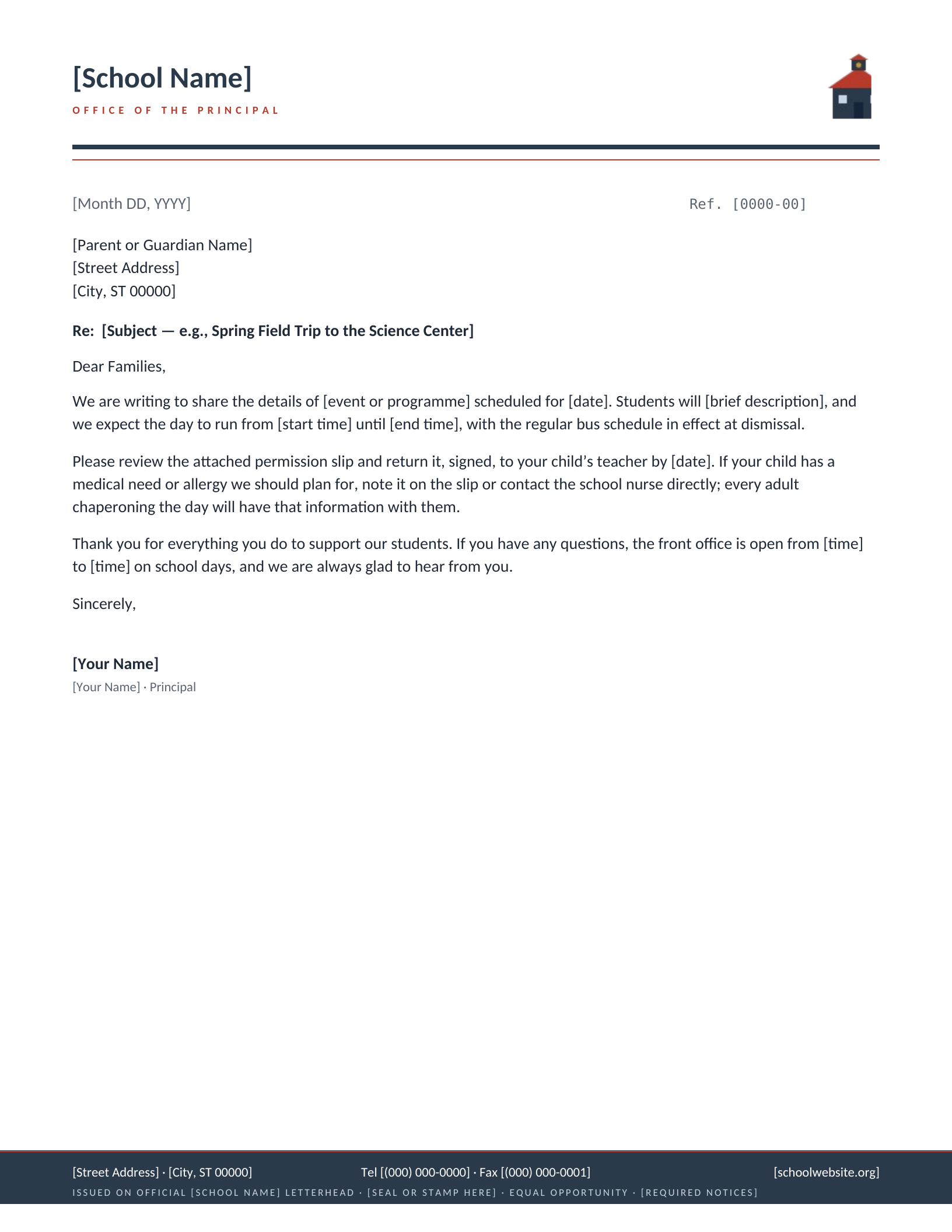
Official Letter, Principal’s Office
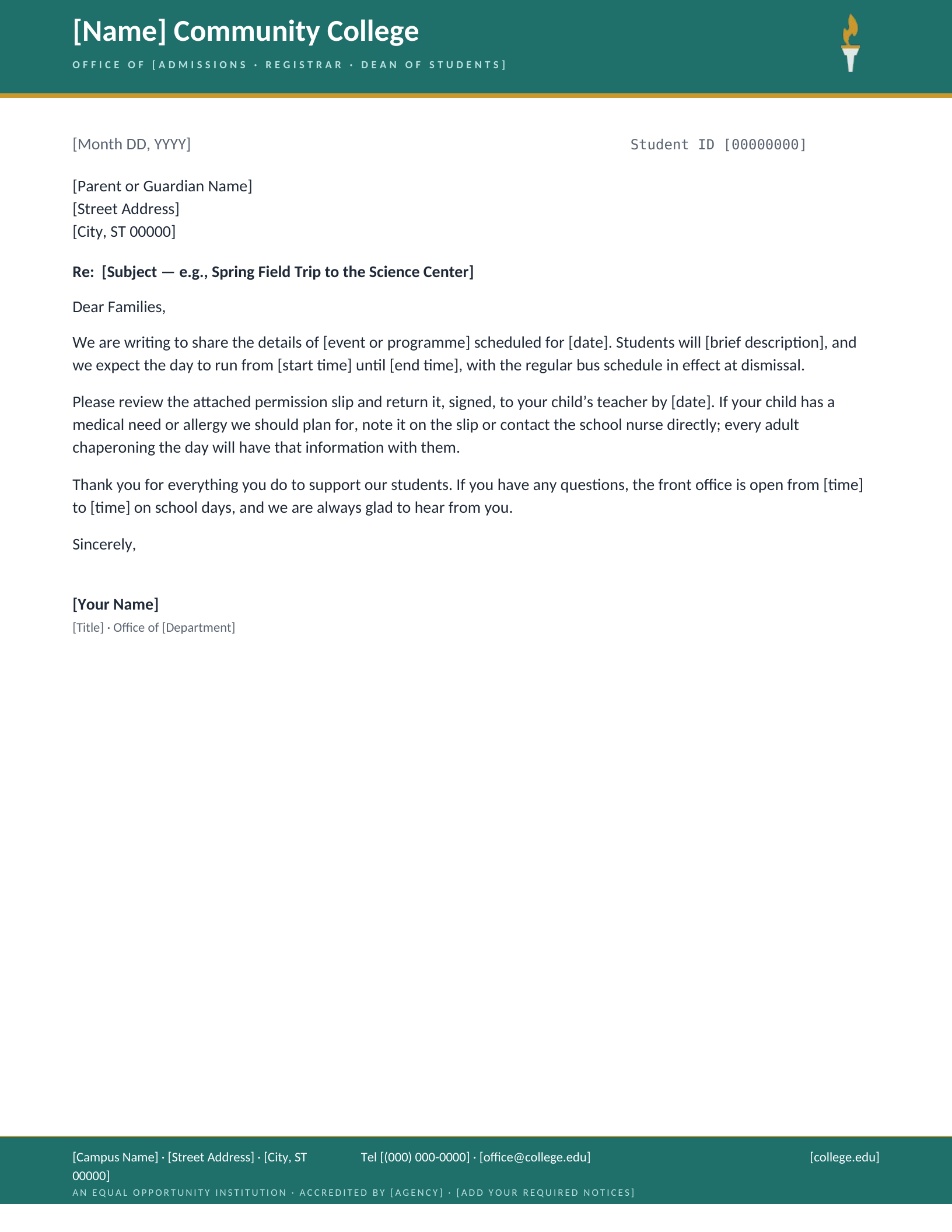
Community College
Which letterhead fits your school?
A school letter has a strange audience. It is addressed to a parent but read by a household, filed by a front office, and sometimes produced years later as proof that a child was enrolled somewhere. So a school letterhead has two jobs most business stationery does not: it has to look unmistakably like it came from the school, and it has to carry the handful of numbers a family will actually need — attendance, the nurse, the office — without making the page look like a directory. Every design here puts those in the footer, labelled, where the eye goes looking for them.
What makes a school letterhead “official”
People search for this because a landlord, an embassy or a college has asked for a letter “on official school letterhead”, and it is worth being plain about what that means. There is no registry of approved letterheads. A letter is official because it is issued and signed by someone with the authority to say what it says — a principal confirming enrollment, a registrar confirming a degree — and because the sheet identifies the school clearly enough that the reader could telephone and check. The Principal’s Office design is built for exactly that: a reference number on the date line, a slot for the seal or stamp, and a footer stating that the letter is issued on the school’s letterhead. What it cannot do is confer authority you do not have. If you are a teacher writing a recommendation, the Teacher design with your school’s address is the honest choice; if the letter has to be institutional, it has to come from the office that is entitled to send it.
Which one fits
- K–5 — Elementary. The bunting rule is the only decoration; the footer does the work.
- Middle and high school — High School. Crest, mascot line, and separate routes for attendance, counseling and athletics.
- Central office — School District. The seal and the reference number make board correspondence read as such.
- A department, lab or programme — University Department. Serif, restrained, and honest in its footer about being departmental rather than the university’s brand template.
- Independent, parochial or Christian — Private & Christian School, with the admissions nondiscrimination line those schools publish.
- Early years — Preschool & Daycare, with the licence number in the masthead.
- Volunteers and fundraising — PTA & Booster Club, with the EIN line donors ask for.
Common questions
Should a graduate student or postdoc write on university letterhead?
Ask your department first — most have a rule, and many reserve the official brand template for faculty and staff. Where it is allowed, the convention for an academic cover letter or a reference is departmental letterhead that names the department and the building, which is what the University Department design is. It deliberately does not imitate any institution’s official template; drop in your real department details and it reads as what it is.
Can I use these for a letter of enrollment or a recommendation?
Yes — that is what the Principal’s Office and Teacher designs are for. An enrollment letter should carry the student’s full name, dates of attendance, grade, a contact number the reader can verify, and a signature with a printed title. A recommendation is the same letterhead with the letter itself doing the work. The Re line on the Principal’s Office design is the place for the student’s name so the letter can be filed.
Is the equal-opportunity line in the footer sufficient?
No, and it is bracketed on purpose. Public districts have required nondiscrimination wording and a named compliance contact; independent schools publish an admissions policy; licensed childcare carries the licensing agency and number. The footer reserves the space and sets the type. Replace the bracketed wording with what your district or state actually requires before anything goes home.
Can I put the school’s real crest or logo on it?
Right-click the drawn mark and choose Change Picture in Word, or click it and choose Replace image in Google Docs. Every mark here is a stylised device we drew — the shield, the seal, the laurel — not any real school’s crest, so swapping in your own is expected. If you would rather start from a layout built around an uploaded logo, the logo letterhead makers place it for you.
What version of Word do I need?
Word 2007 through Microsoft 365, including Word for Mac. The download is a .dotx template, so opening it starts a fresh letter and leaves the master intact — which matters when a front office sends forty of these a week. Each design also opens as a Google Docs copy.
Drawn and measured in September 2026.
Add your school name and print
- Pick a design and choose your editor — Microsoft Word downloads the template (a
.dotxfile; opening it creates a fresh document and leaves the original intact for next time), or Google Docs prompts you to make a copy in Drive. - Replace the placeholder tokens —
[Your Name],[Family Name],[Street Address],[Recipient], etc. Embedded graphics (monograms, crests, ornaments) can be replaced with your own — right-click → Change Picture (Word), or click → Replace image (Google Docs). - Type your letter where the sample paragraph is. Save and print on standard 8.5 × 11 paper, or send as a PDF.
Specifications: US Letter, 8.5 × 11 inches, portrait. Word downloads are .dotx templates and open in Word 2007 through Microsoft 365, including Word for Mac. Google Docs versions open as a copy in your own Drive. Every file is one page, fully editable, and free to use — no account and no watermark.