






10 Task Lists, Trackers & Planners for Work
The work side of the library: ten sheets where every row has an owner, a status, and a due date, and every sheet does its own counting \u2014 by status, by person, by priority, or by day \u2014 in Excel and Google Sheets, with overdue rows turning red. Pick by what you need to see: one list, a countdown dashboard, a per-person split, a project percent, a log of hours, a handoff with signatures, or the week laid out by day.
Pick the view your work needs.
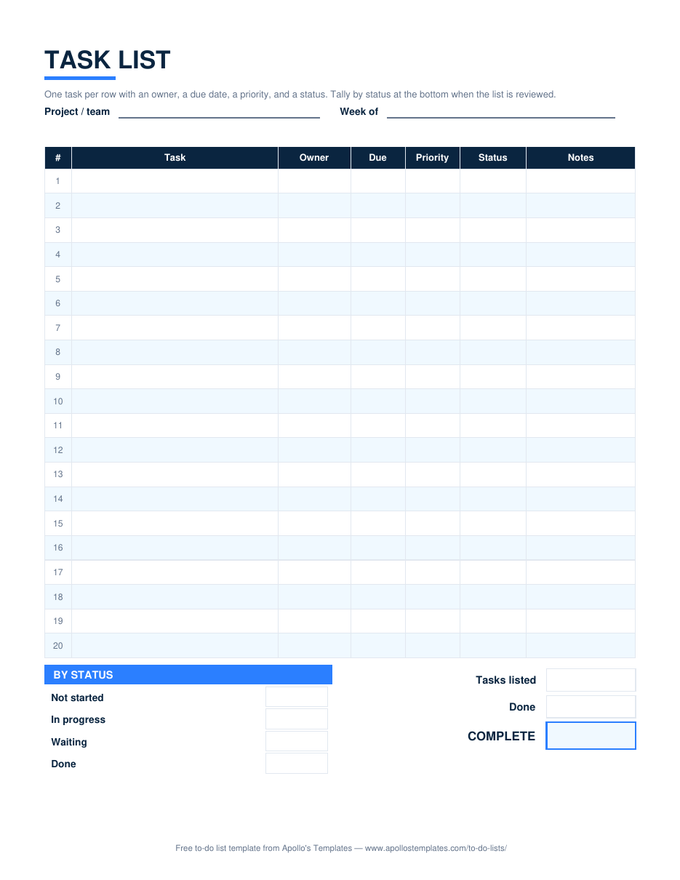
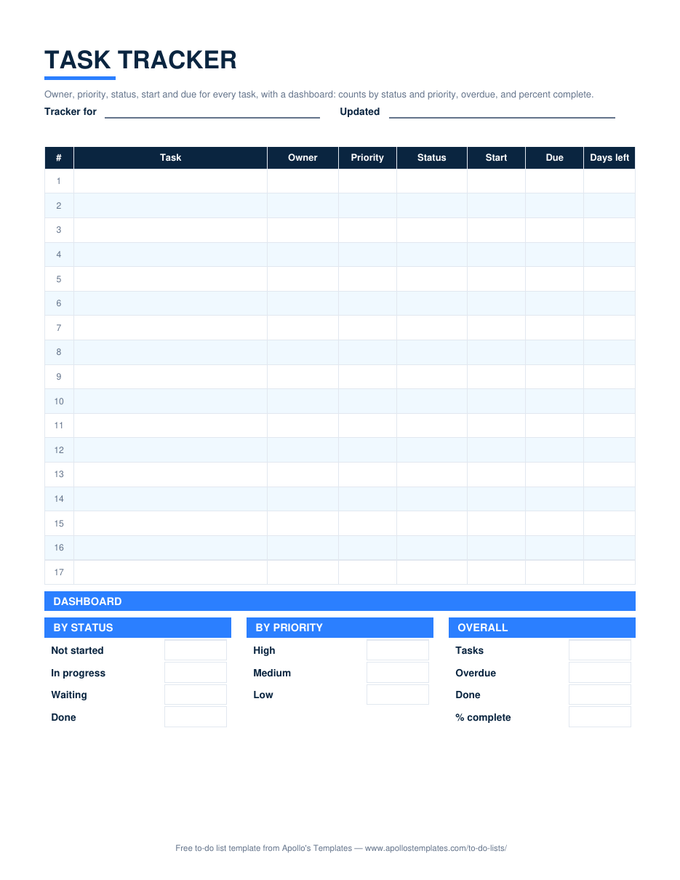
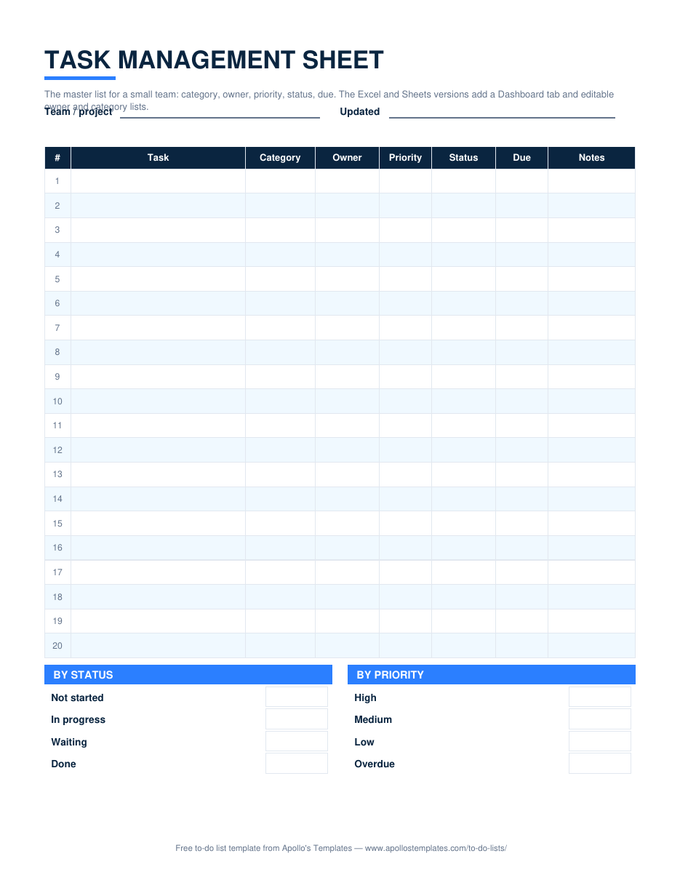
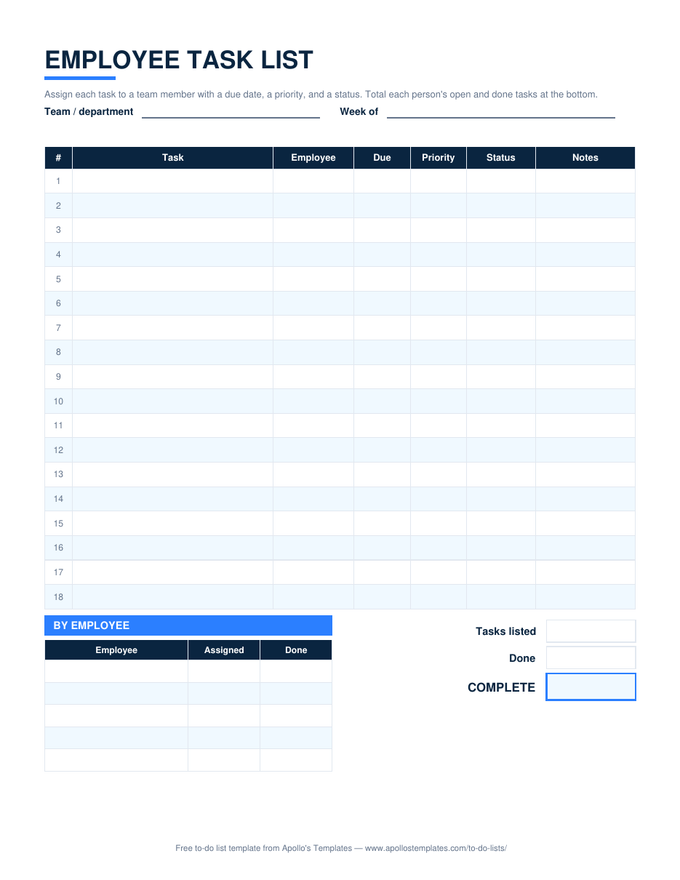
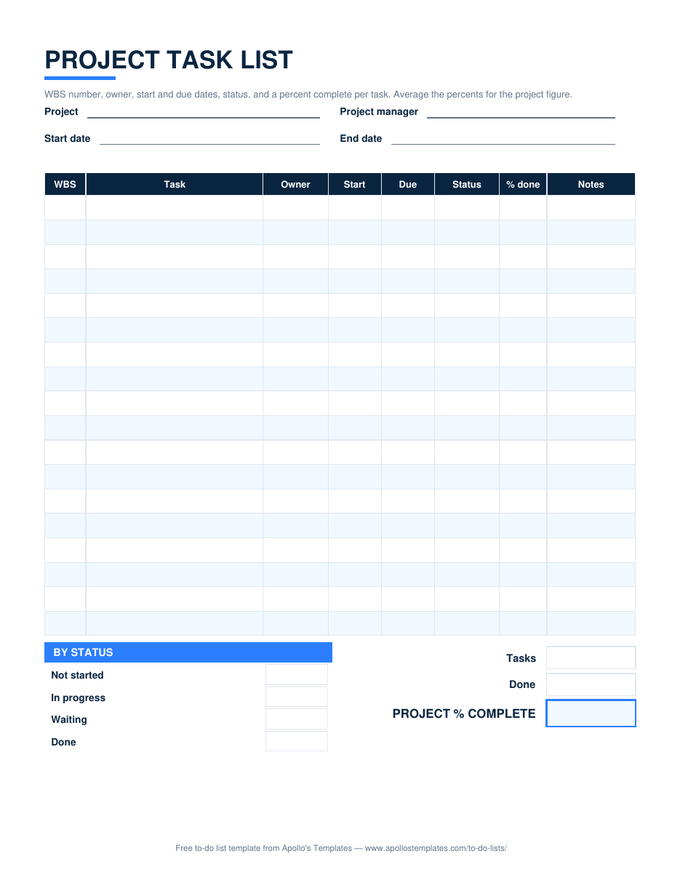
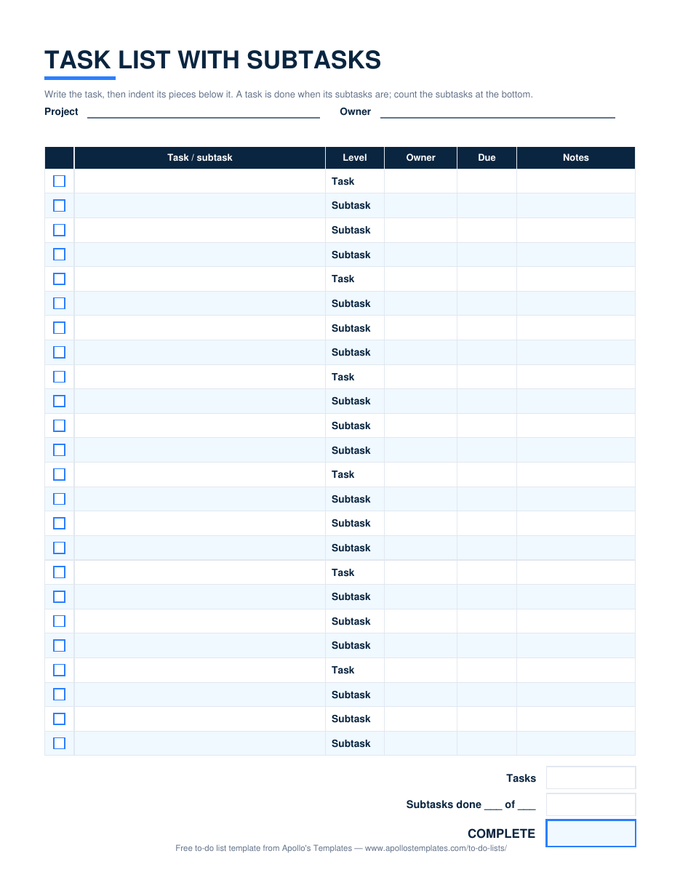
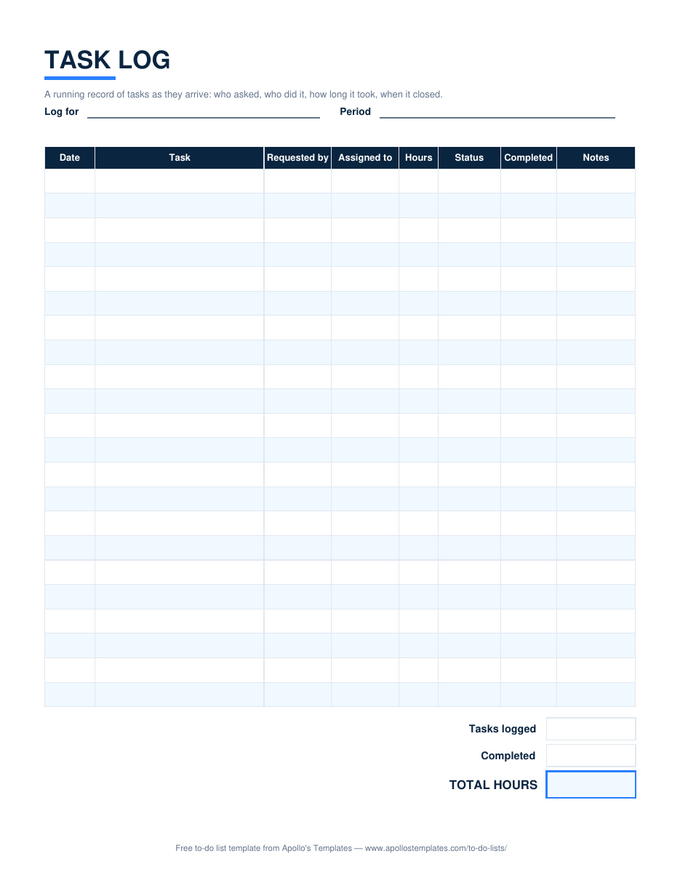
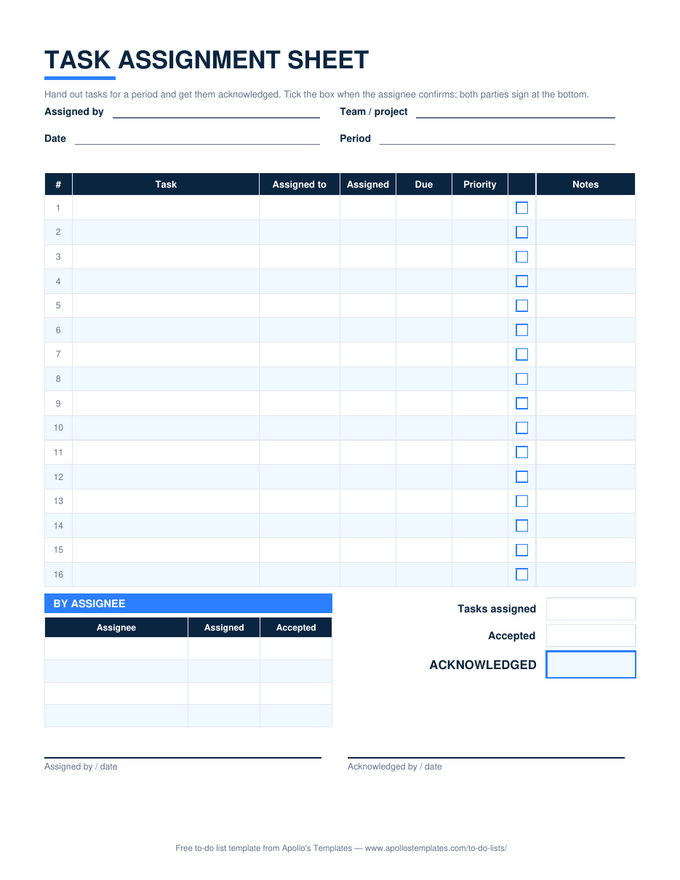
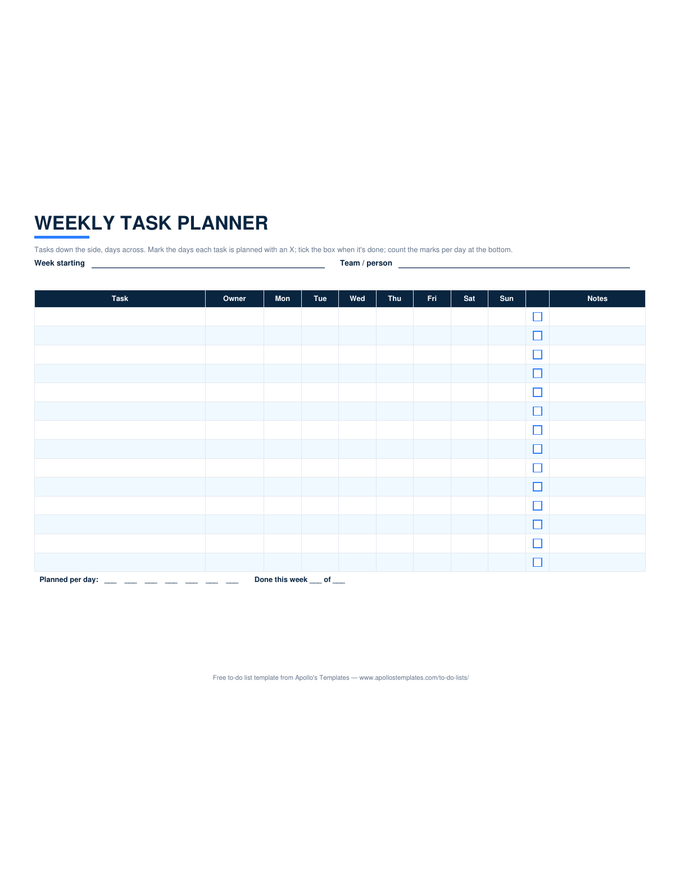
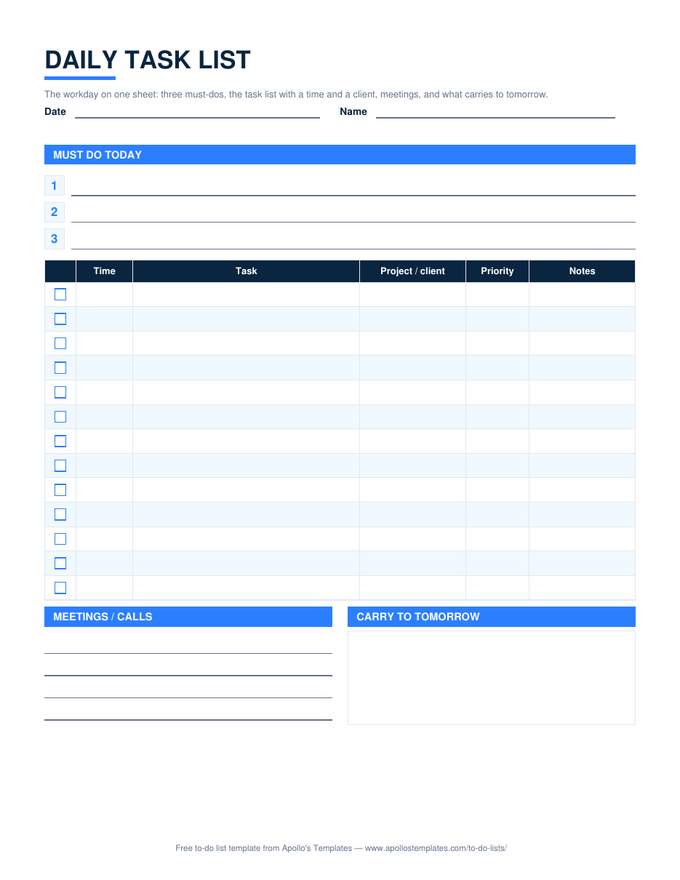
Four statuses, one owner per row.
Every sheet here uses the same four statuses — Not started, In progress, Waiting, Done — and every dashboard counts them. Waiting is the one that pays for the exercise: it is where blocked work hides inside In progress on lists that lack it. And every row gets exactly one name. A task assigned to a team, or to two people, is a task nobody owns.
Move rows between these sheets freely; the columns line up on purpose. A task that starts on the daily work list can be pasted into the tracker when it grows a due date, and into the project list when it grows a WBS number.