






Free Mechanical Engineer Resume Templates
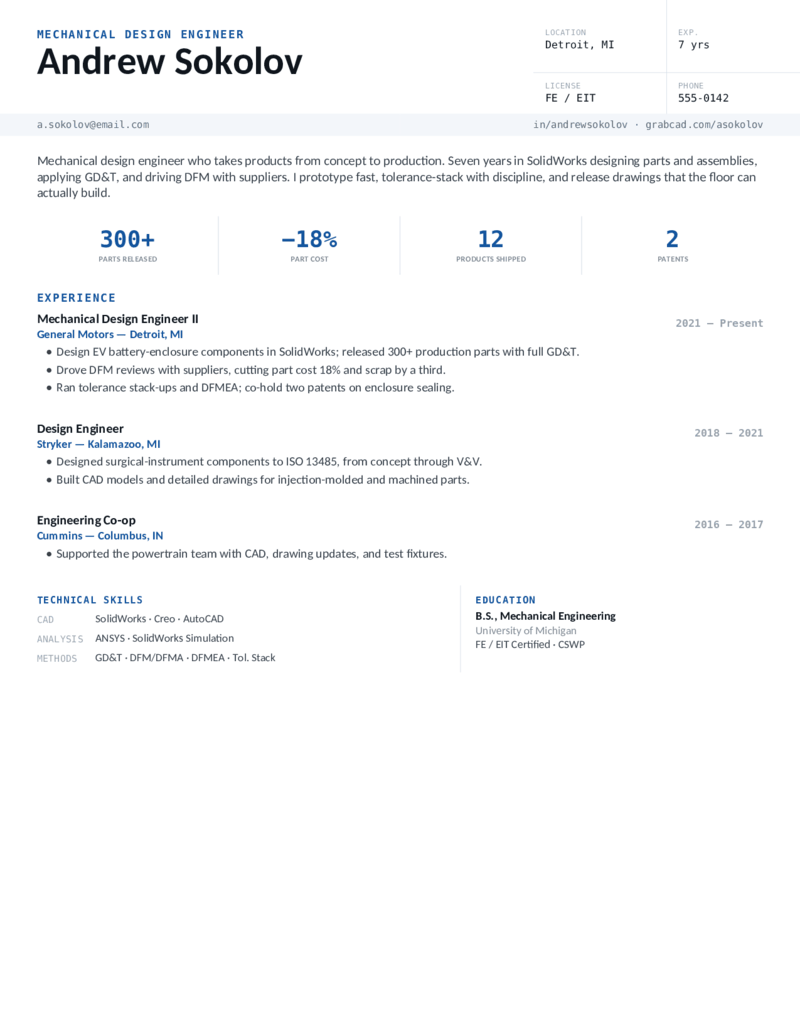
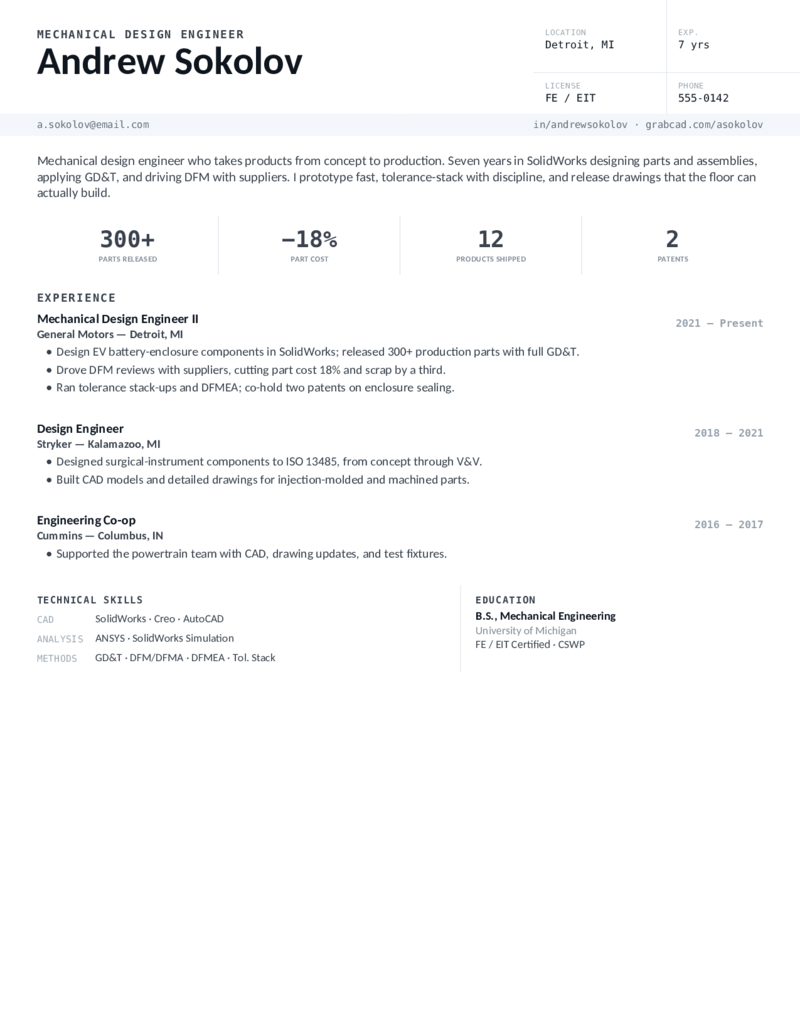
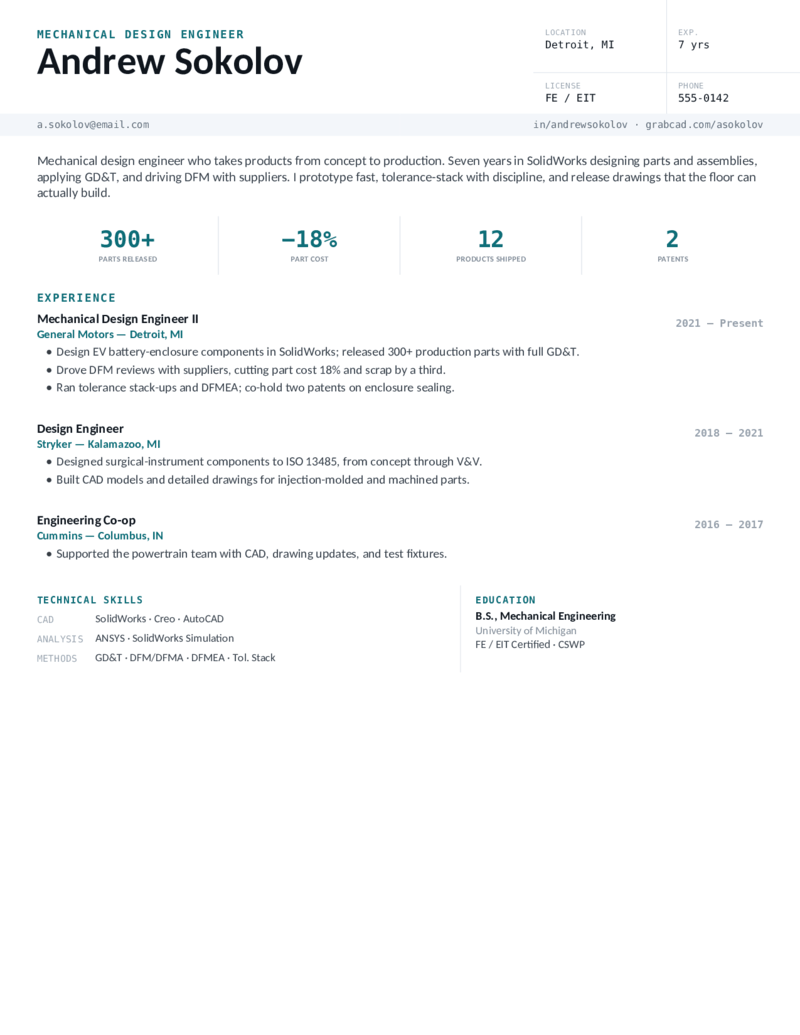
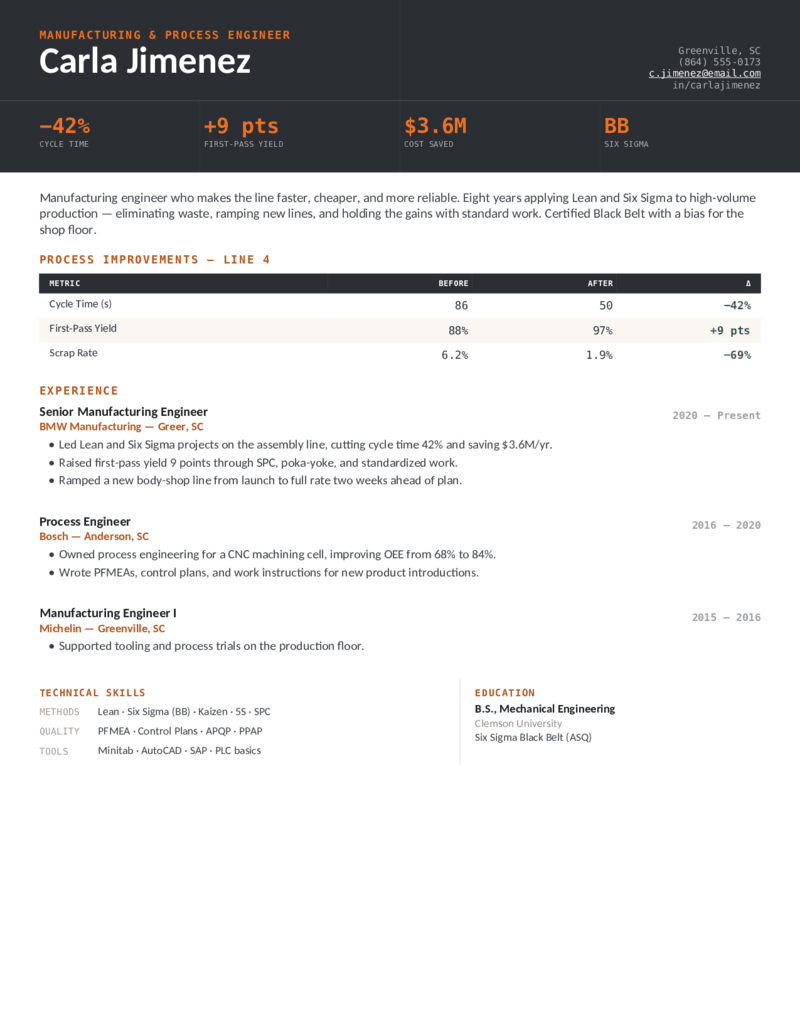
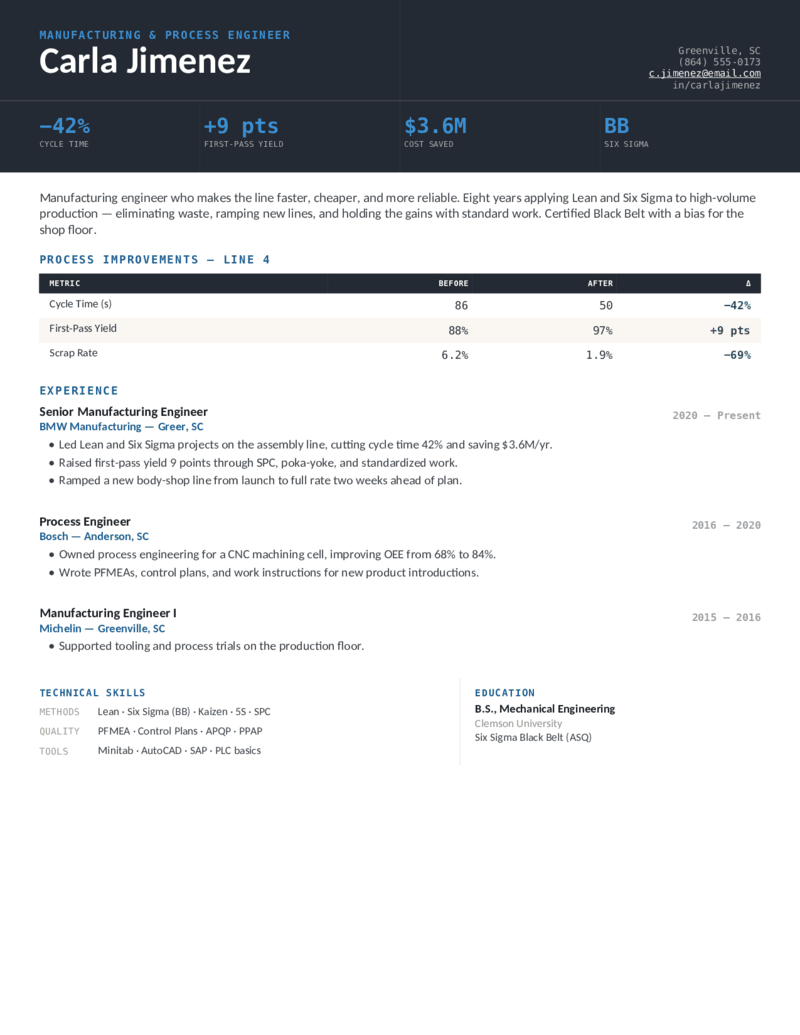
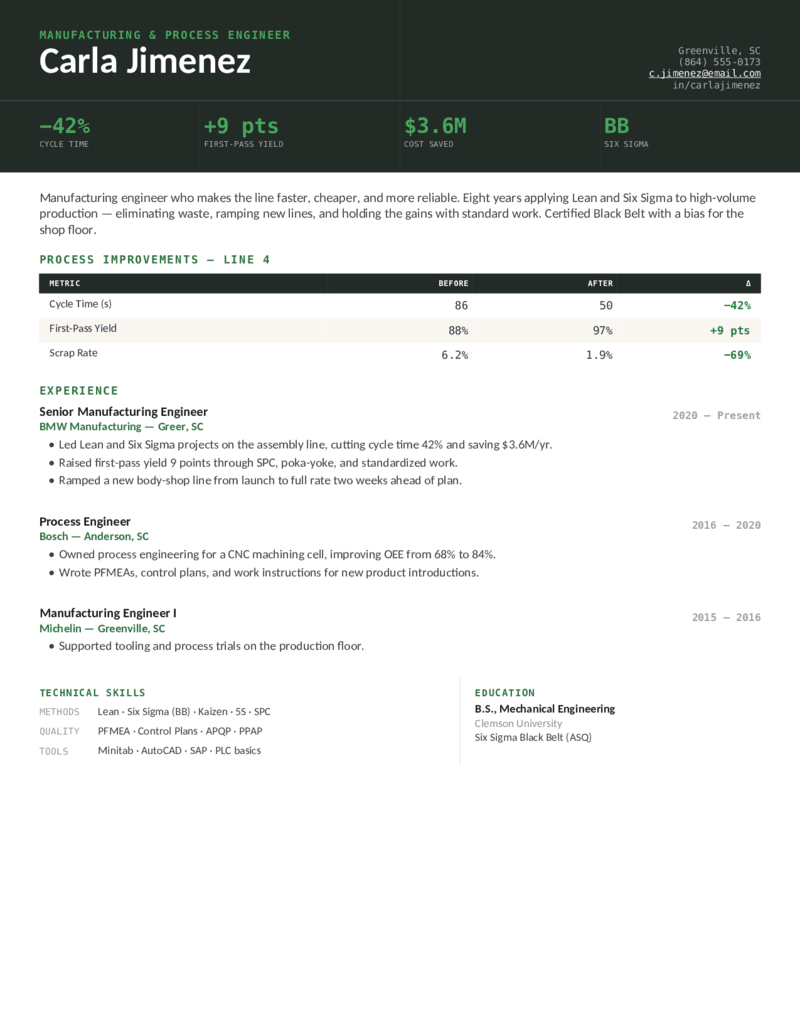
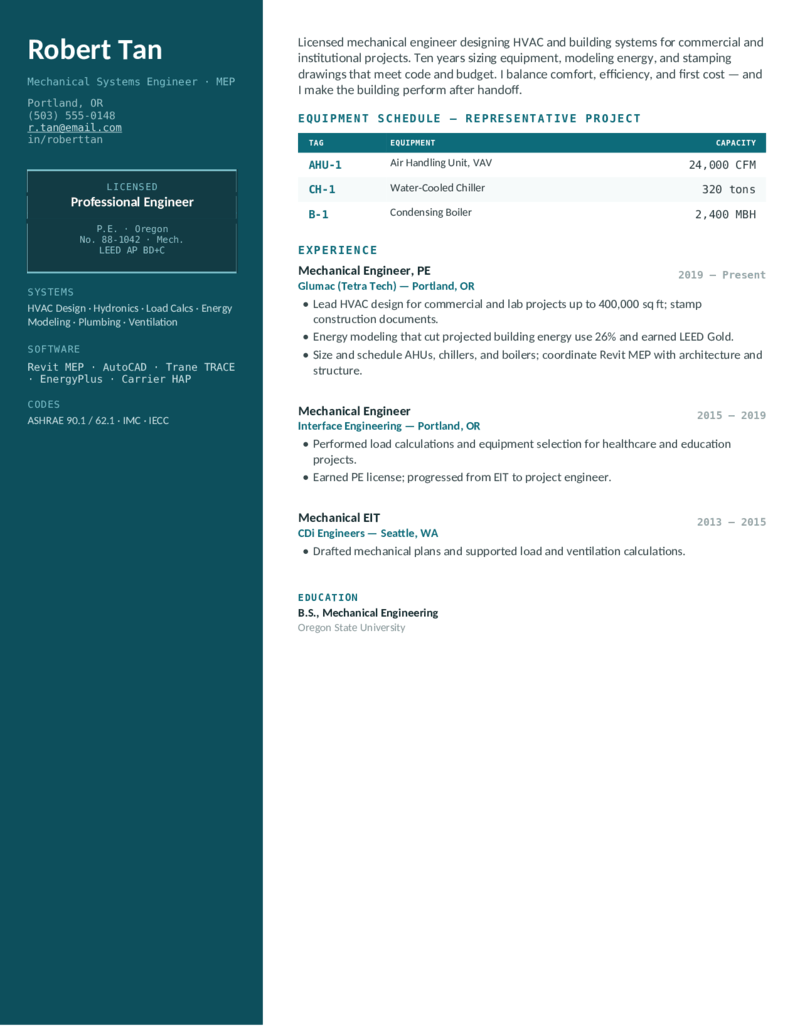
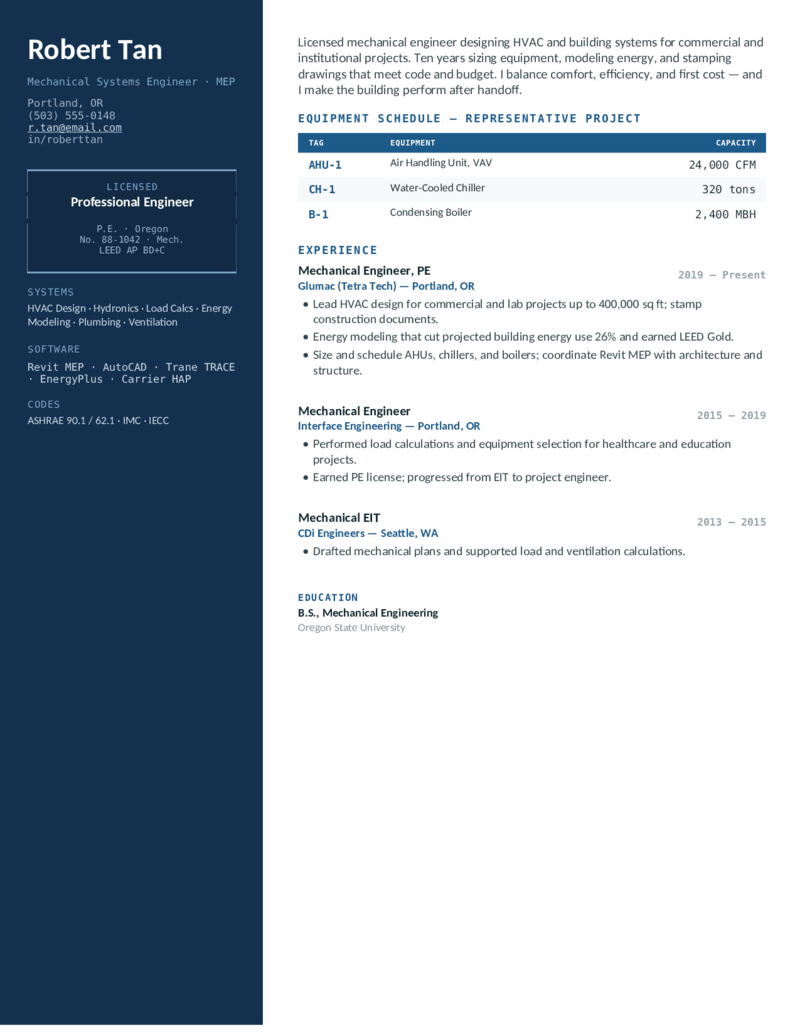
Free, ATS-friendly mechanical engineer resume templates in Microsoft Word and Google Docs — a deliberately technical system with a drafting title-block header, monospace data, and engineering spec tables. Each one is built around what mechanical-engineering hiring screens for: the FE/EIT and PE license, the CAD and analysis stack named exactly (SolidWorks, AutoCAD, CATIA, PTC Creo, Siemens NX, ANSYS, MATLAB), and GD&T, DFM, FEA, and Lean Six Sigma. Whether you're a new grad with only capstone and internship projects, a mechanical design or CAD engineer, a manufacturing or HVAC engineer, or a licensed PE running capital projects — pick a layout and color, then drop in your numbers.
Five mechanical-engineering designs, each in three colors.
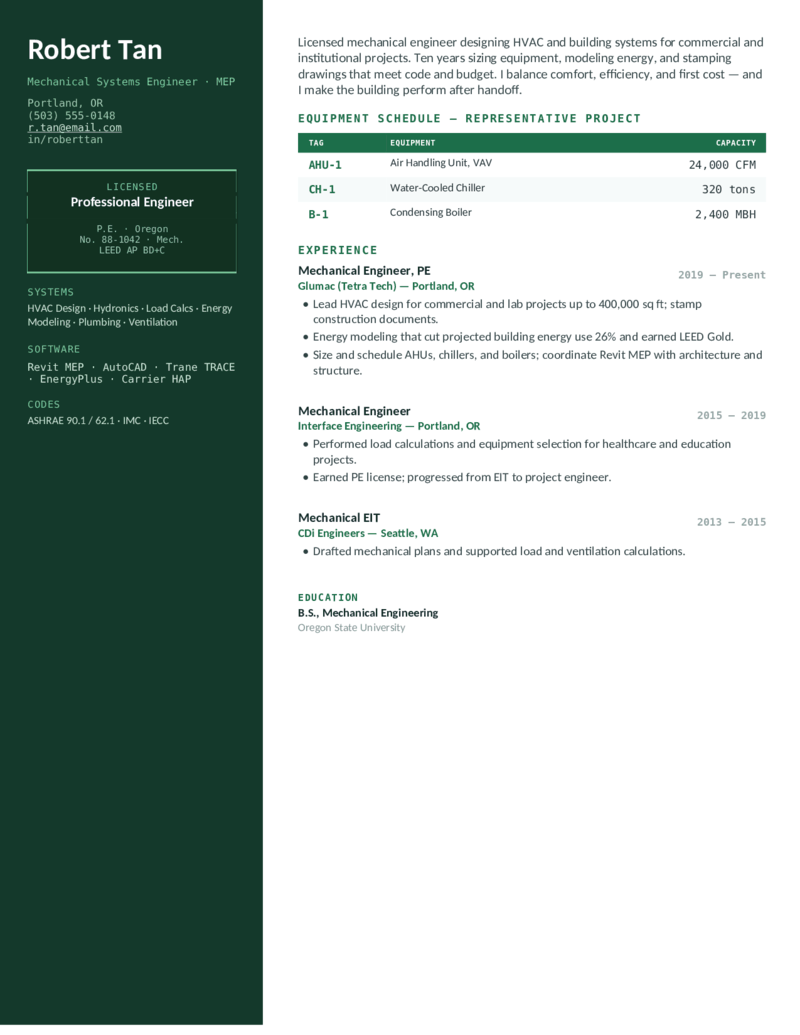
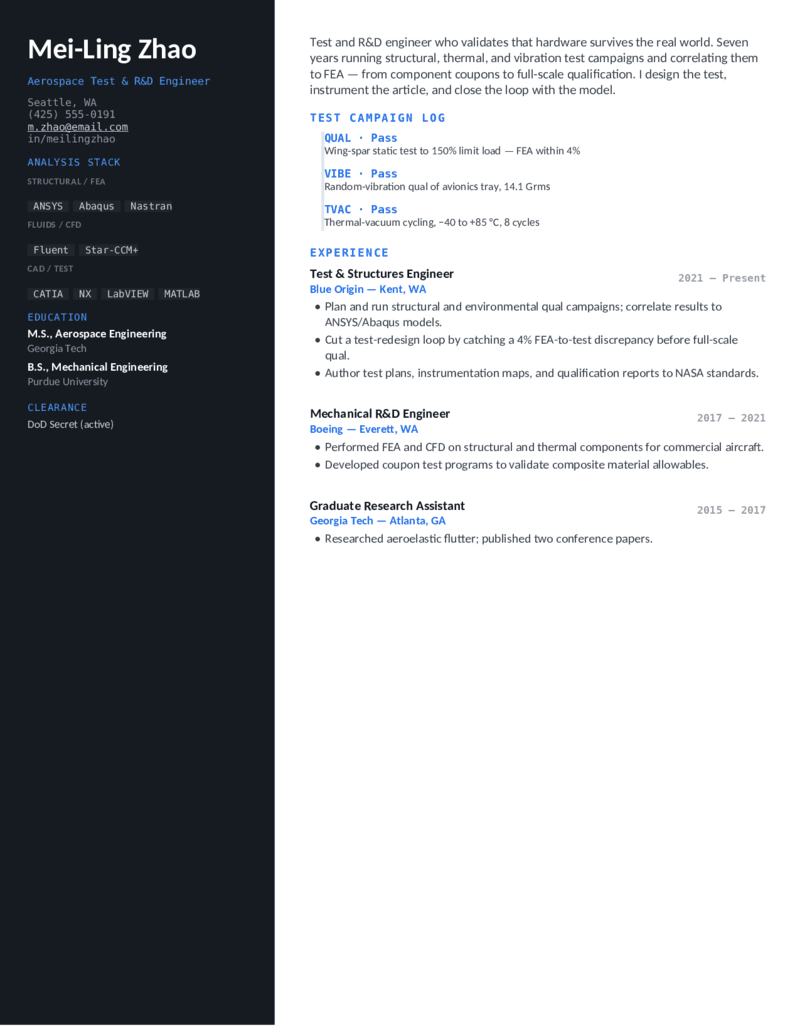
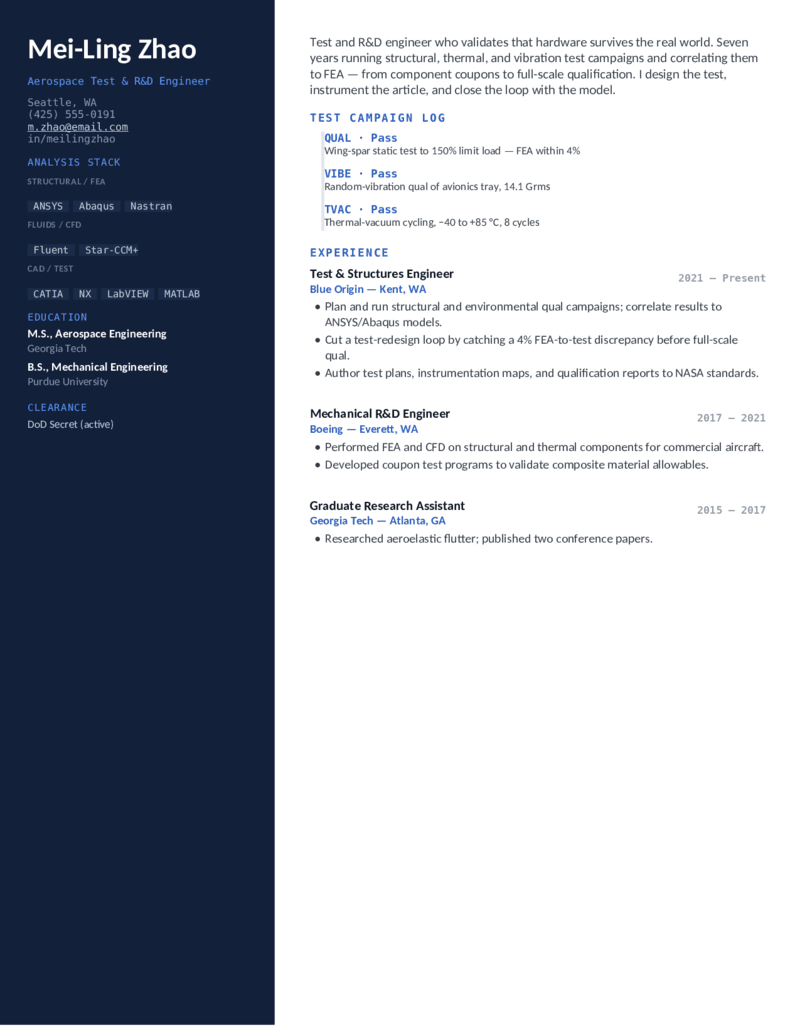
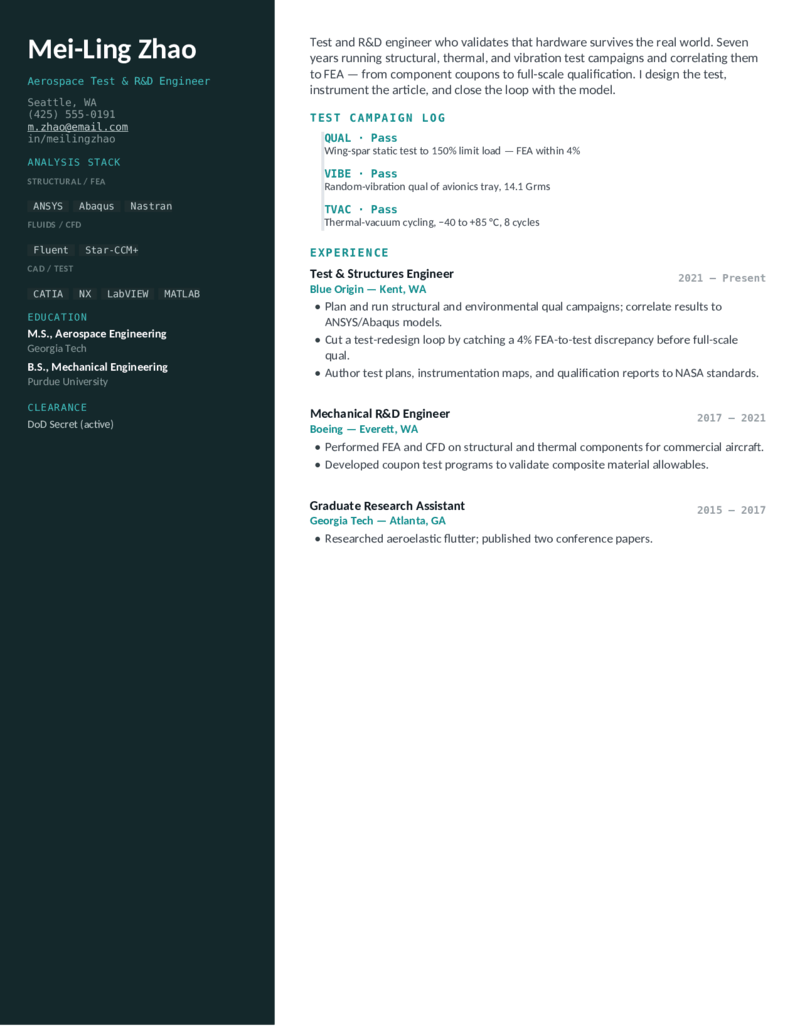
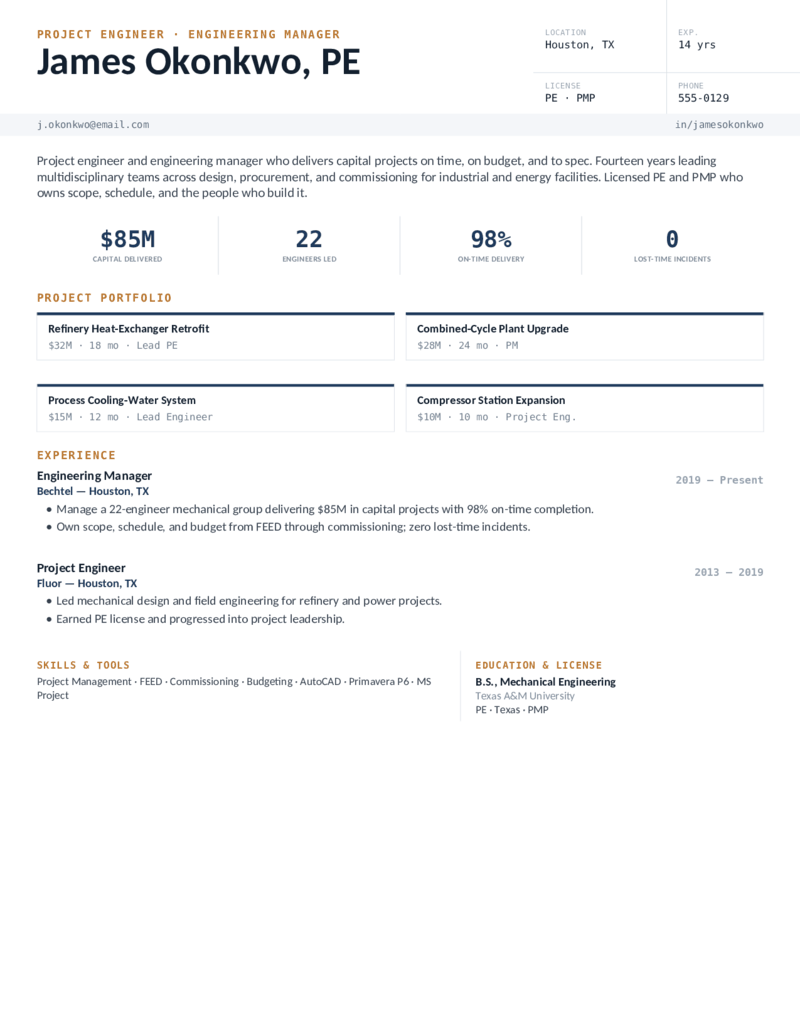
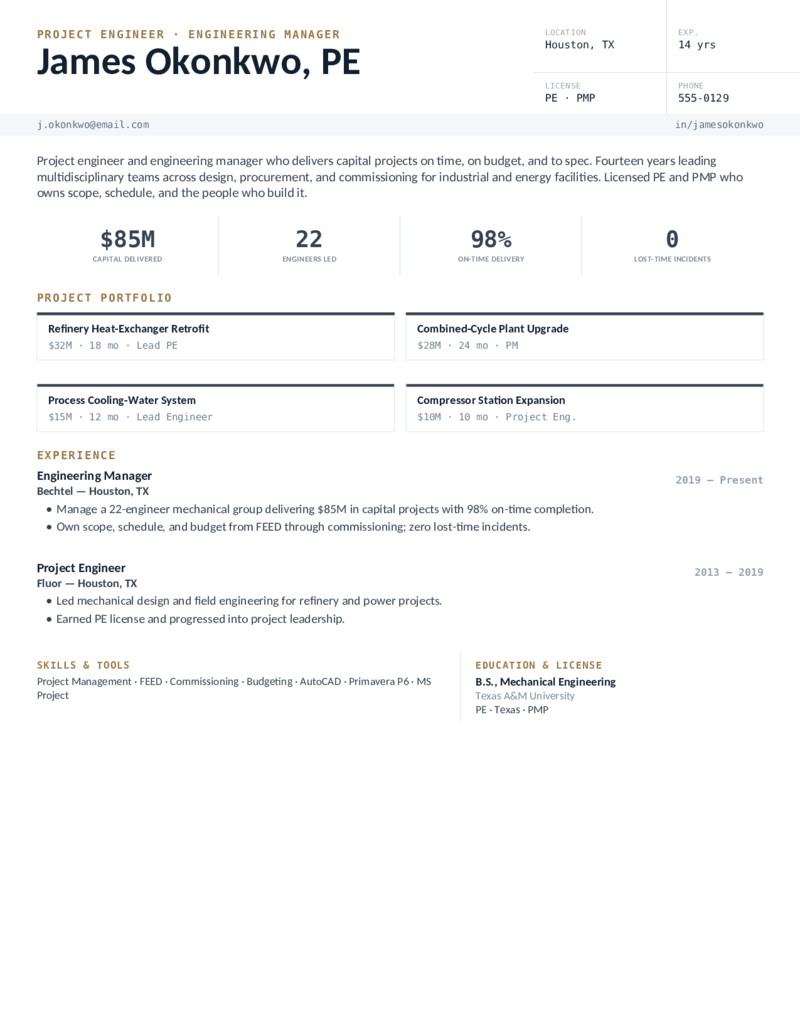
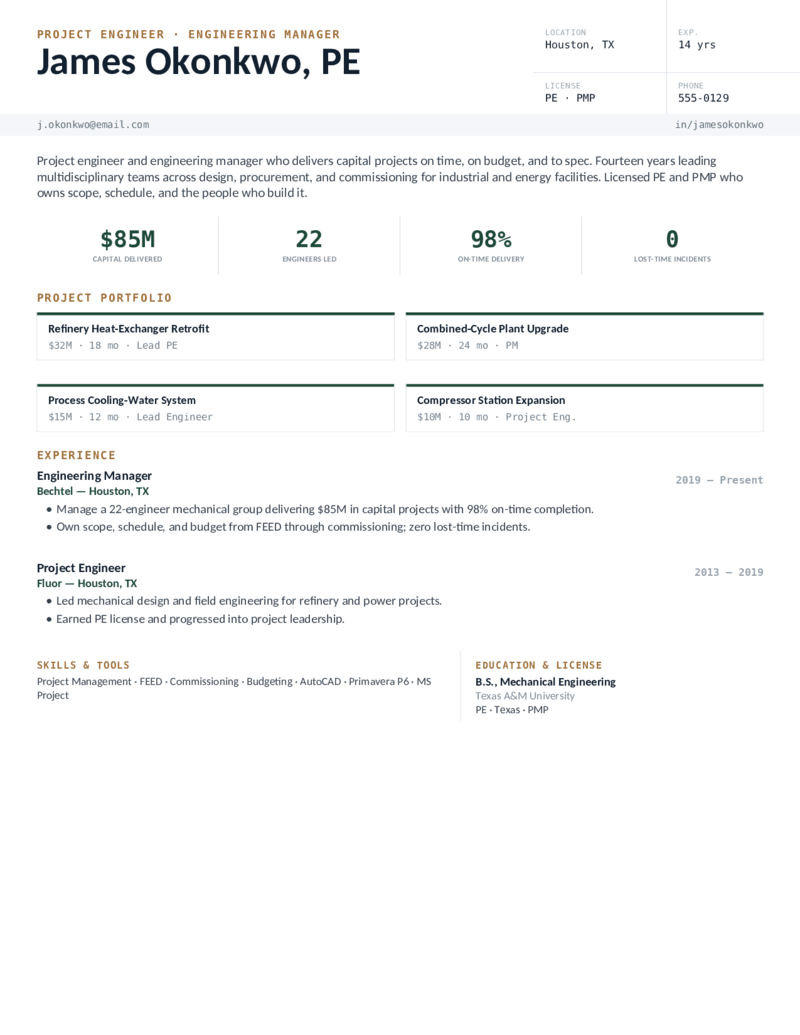
Design for mechanical design / CAD engineers (and a strong new-grad pick), Manufacturing for process and industrial engineers, Systems for HVAC/MEP engineers with a PE, Aerospace for test and R&D engineers doing FEA/CFD, and Project for engineering managers and senior PEs. Every one opens in Word or Google Docs, stays on one page, and is built to be ATS-friendly.
What goes on a mechanical engineer resume.
Mechanical-engineering resumes are screened on credentials, tools, and measurable outcomes. Put the things a hiring manager and the ATS look for where they’ll be seen — which is exactly what these templates do:
- Your license, up front. FE/EIT or PE — in the header License field and a Certifications block. PE goes after your name; write “EIT (pending)” if you’ve passed the FE but aren’t certified yet.
- The CAD & analysis stack, named exactly. SolidWorks, AutoCAD, CATIA, PTC Creo, Siemens NX for CAD; ANSYS, Abaqus, MATLAB for FEA/CAE — plus GD&T, DFM, and FEA. The ATS matches on the exact tool name.
- Quantified, physical outcomes. Parts released, part-cost or cycle-time reduction, first-pass yield, capital delivered, FEA-to-test correlation. Tie every project to a number — weight, cost, time, or yield.
- Projects — especially with no experience. No work history yet? Treat your capstone, design competition, and coursework projects as experience: the problem, the CAD/CAE tools, and the result. Add a co-op or internship and keep it to one page.
Different from a software or general engineer resume: here “projects” are physical (a prototype, a fixture, a weight reduction), and “analysis” means FEA/CFD, not data. For adjacent roles, see our project manager and software engineer templates.
Fill it in and apply.
- Click Open in Google Docs to copy it into your Drive, or Download Word for the
.docx. - Put your license in the header (FE/EIT or PE), and your real numbers into the stats and spec tables — parts released, cycle time, capital delivered.
- Edit the technical-skills block to match the posting exactly — SolidWorks, Creo, ANSYS, GD&T, Six Sigma — spelled in full for the ATS.
- No experience yet? Swap an experience block for a capstone/projects section, then export a PDF to send and a Word copy for ATS portals.
Mechanical engineer resume FAQ
How do I write a mechanical engineer resume with no experience?
How do I list the FE exam, EIT, or PE license on a mechanical engineering resume?
Which CAD and analysis tools should a mechanical engineer put on a resume?
Is a mechanical engineer resume one page or two pages?
What makes a mechanical engineer resume ATS-friendly?
How is a manufacturing or HVAC engineer resume different from a design engineer resume?
Mechanical engineer resume templates · Updated June 2026