Apollo's Templates
HomeResumesSales
Sales resumes · Word & Google Docs

Free Sales Resume Templates

Free, ATS-friendly sales resume templates in Microsoft Word and Google Docs — built for how sales gets hired: by the numbers. Each leads with the figures a sales manager scans for — quota attainment, revenue closed, pipeline, win rate, ranking, President's Club — and names the stack recruiters filter on. Six designs for six roles, from SDR to AE to director, each in three colors.

The templates

Six sales designs, each in three colors.

Closer for enterprise AEs, Hunter for SDR/BDRs, Field for medical & pharma sales, Retail for sales associates, Director for sales managers, and Partner for account managers. Every one opens in Word or Google Docs, stays on one page, and is built to be ATS-friendly.
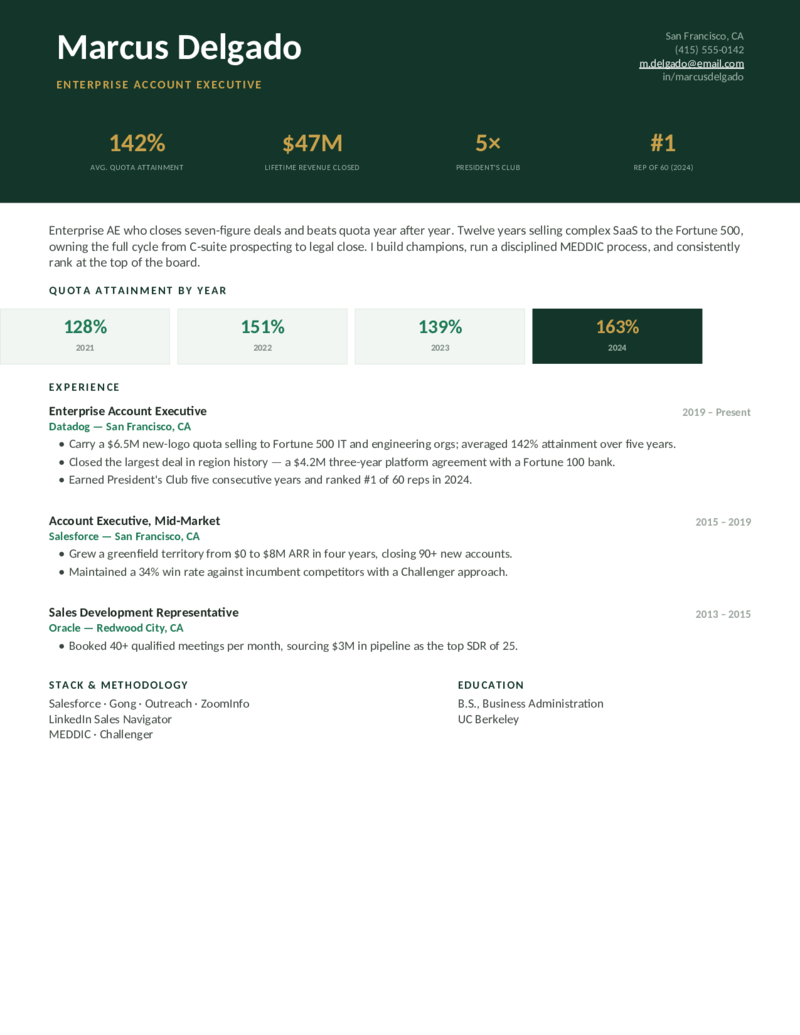
Closer — Forest preview
WordGoogle Docs
Closer — Forest
Enterprise AE layout — a dark hero with a quota/revenue/President's-Club stat bar and a quota-attainment-by-year row. For seven-figure closers.
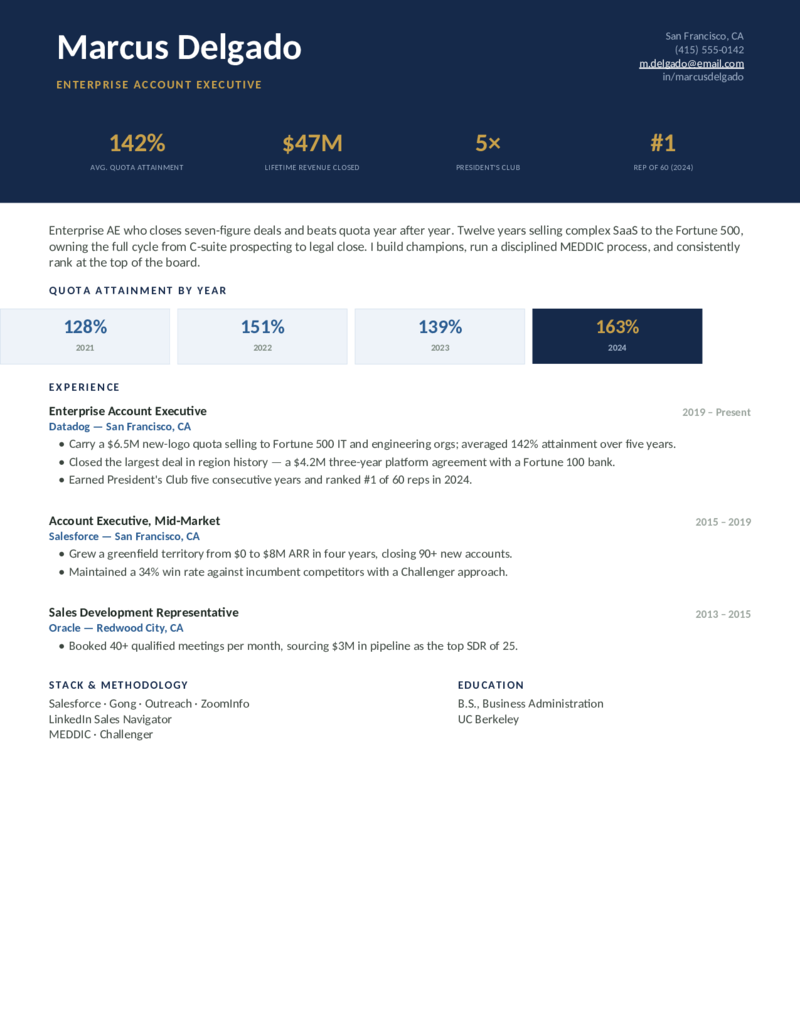
Closer — Navy preview
WordGoogle Docs
Closer — Navy
The enterprise account-executive design in a navy hero — new ARR, win rate, and ranking front and center, with a MEDDIC/Challenger stack line.
Closer — Burgundy preview
WordGoogle Docs
Closer — Burgundy
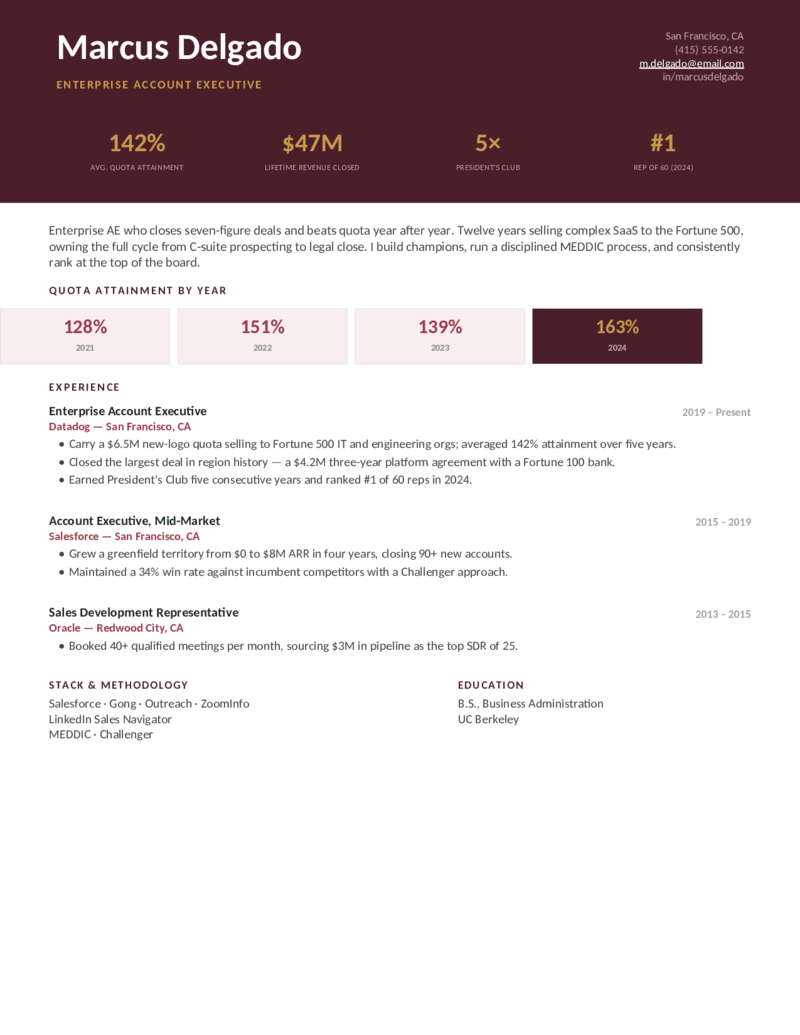
The AE layout with its quota-by-year cards in a rich burgundy — built to prove a multi-year track record at the top of the board.
Hunter — Orange preview
WordGoogle Docs
Hunter — Orange
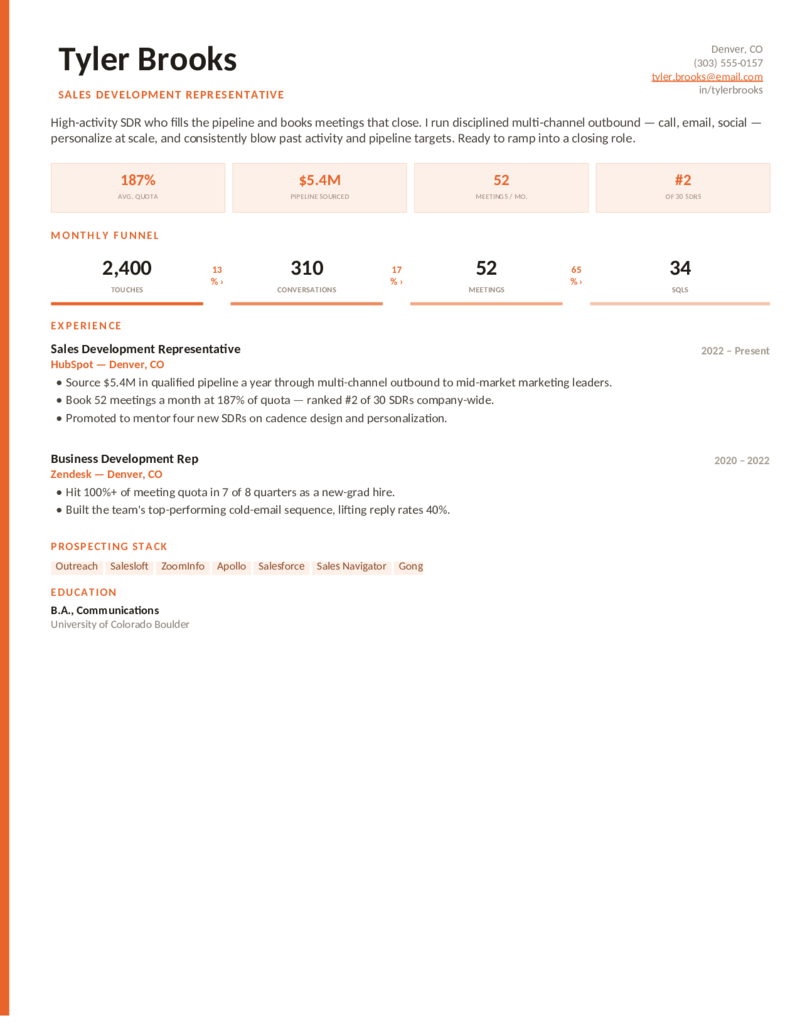
SDR / BDR layout — an energetic accent rail, a monthly outbound funnel (touches → SQLs), and a prospecting stack. For pipeline builders ramping to close.
Hunter — Blue preview
WordGoogle Docs
Hunter — Blue
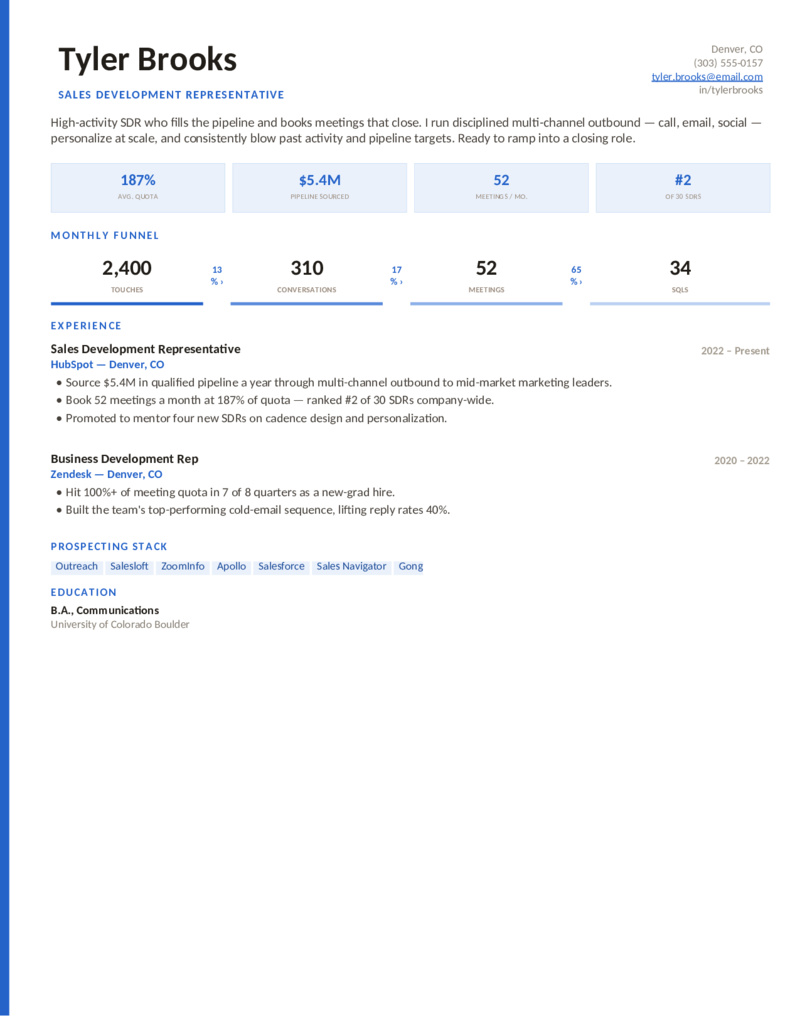
The sales-development design in a confident blue — meetings booked, pipeline sourced, and a funnel that shows your conversion at every stage.
Hunter — Teal preview
WordGoogle Docs
Hunter — Teal
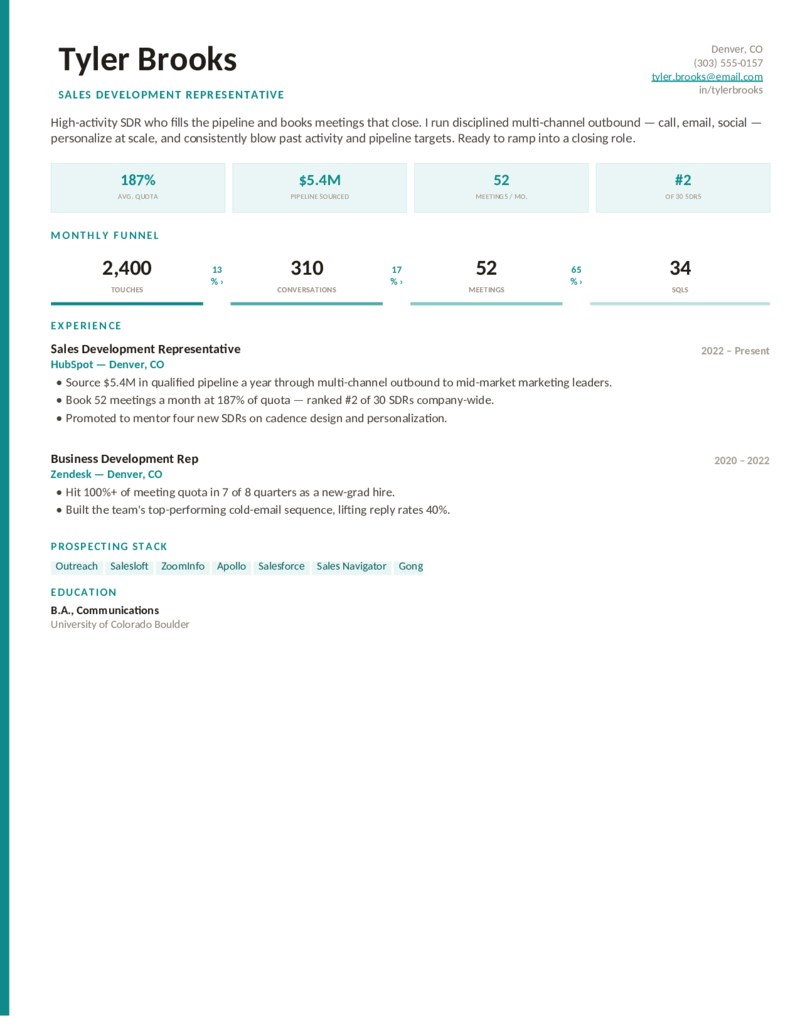
The SDR/BDR layout in a clean teal — activity, output, and the modern prospecting stack (Outreach, Salesloft, ZoomInfo, Apollo).
Field — Teal preview
WordGoogle Docs
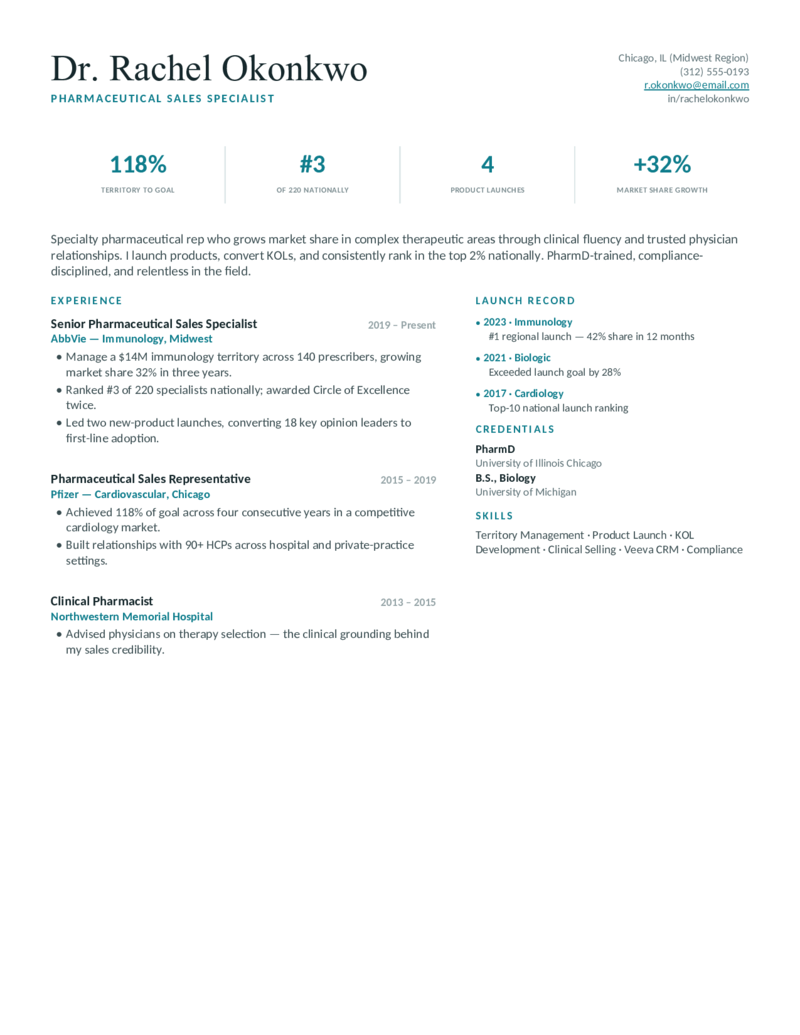
Field — Teal
Medical / pharmaceutical sales layout — a clinical teal with territory-to-goal stats, a national ranking, and a product-launch record. PharmD-ready.
Field — Indigo preview
WordGoogle Docs
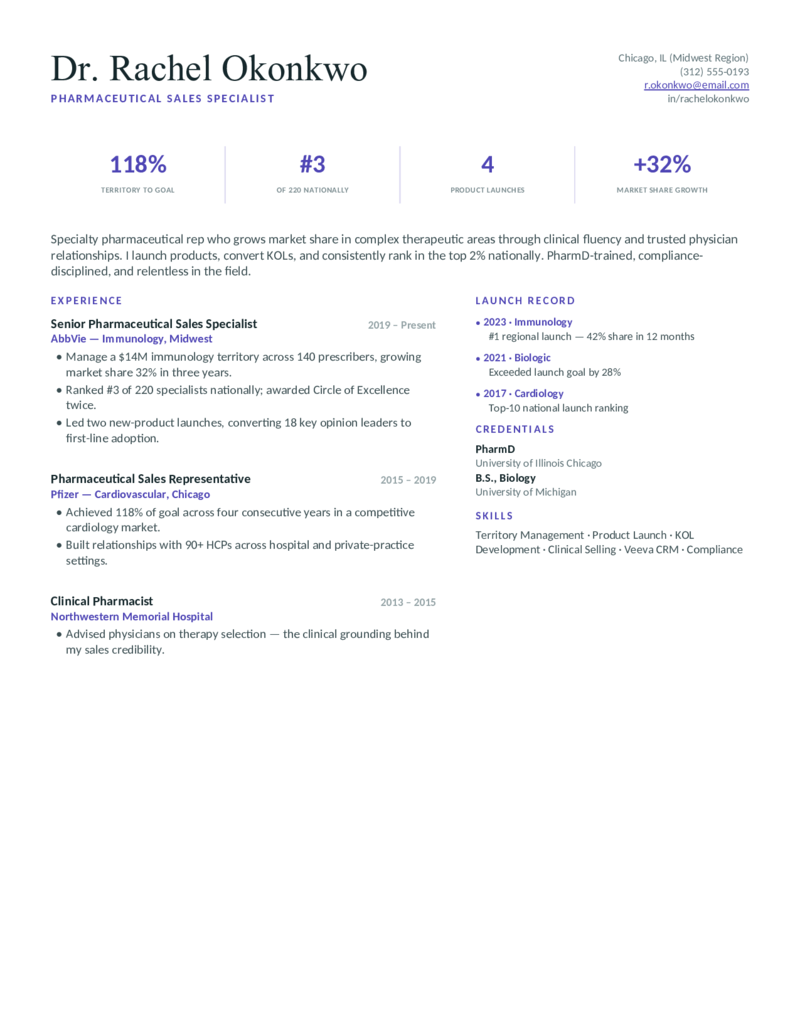
Field — Indigo
The pharma/medical-sales design in a refined indigo — market-share growth, KOL development, and a launch timeline for specialty reps.
Field — Crimson preview
WordGoogle Docs
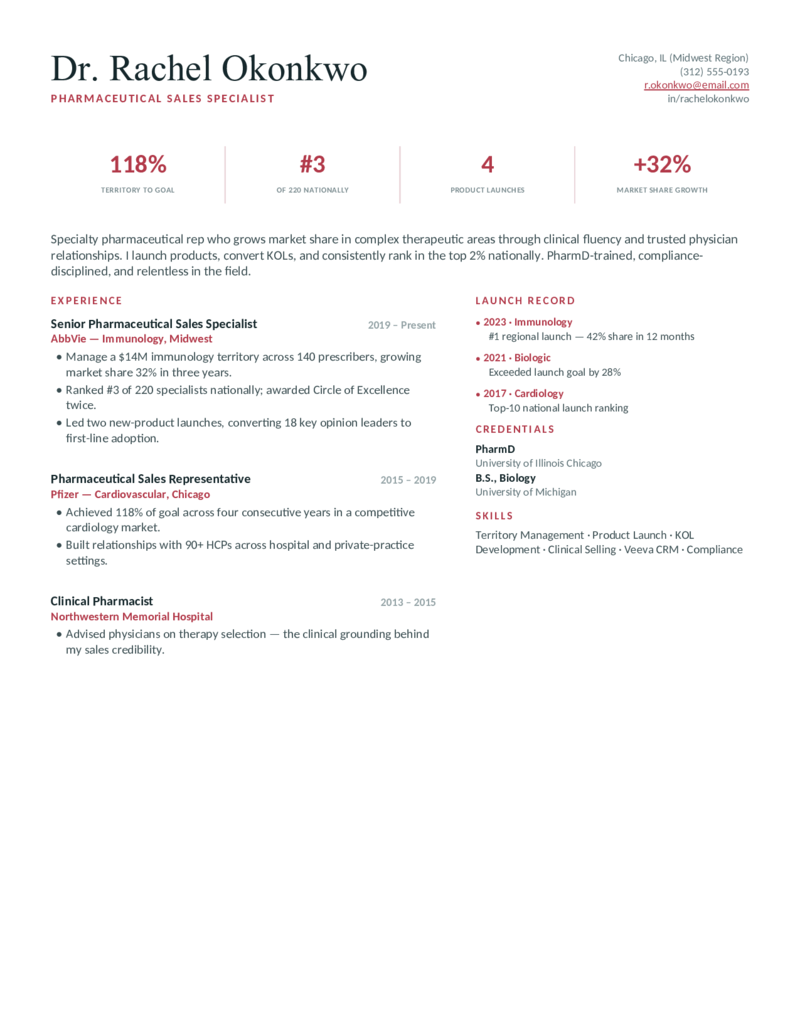
Field — Crimson
The medical-sales layout in a bold crimson — territory ranking, therapeutic-area wins, and the clinical credibility that converts physicians.
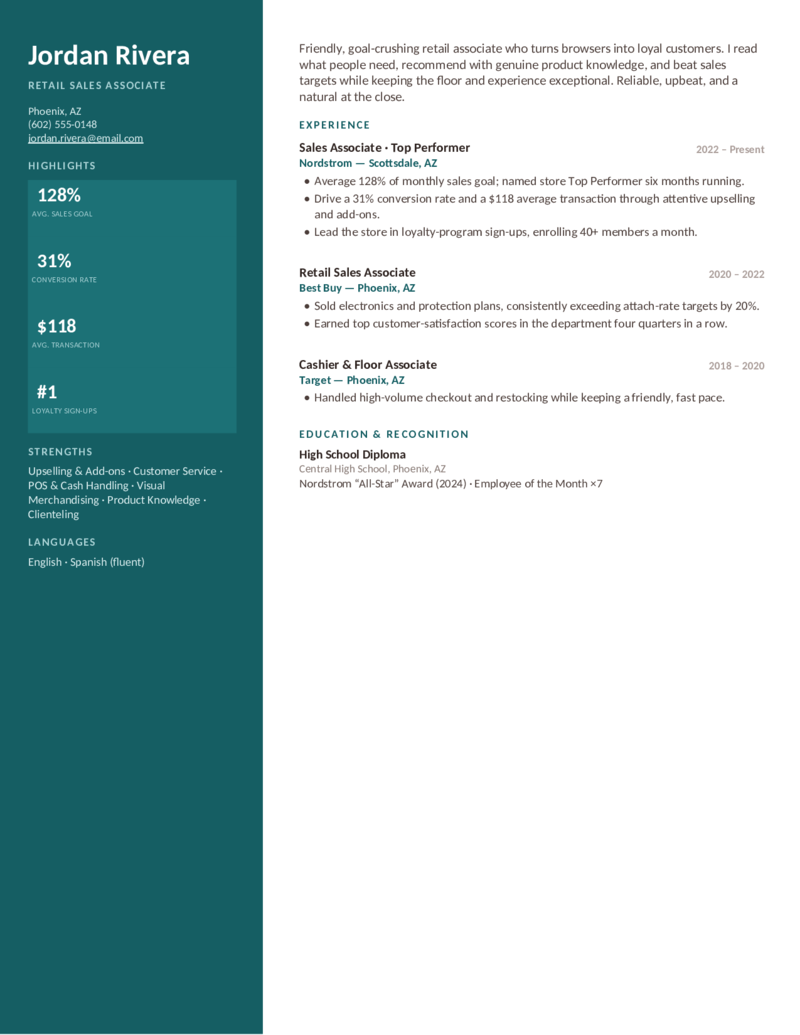
Retail — Burgundy preview
WordGoogle Docs
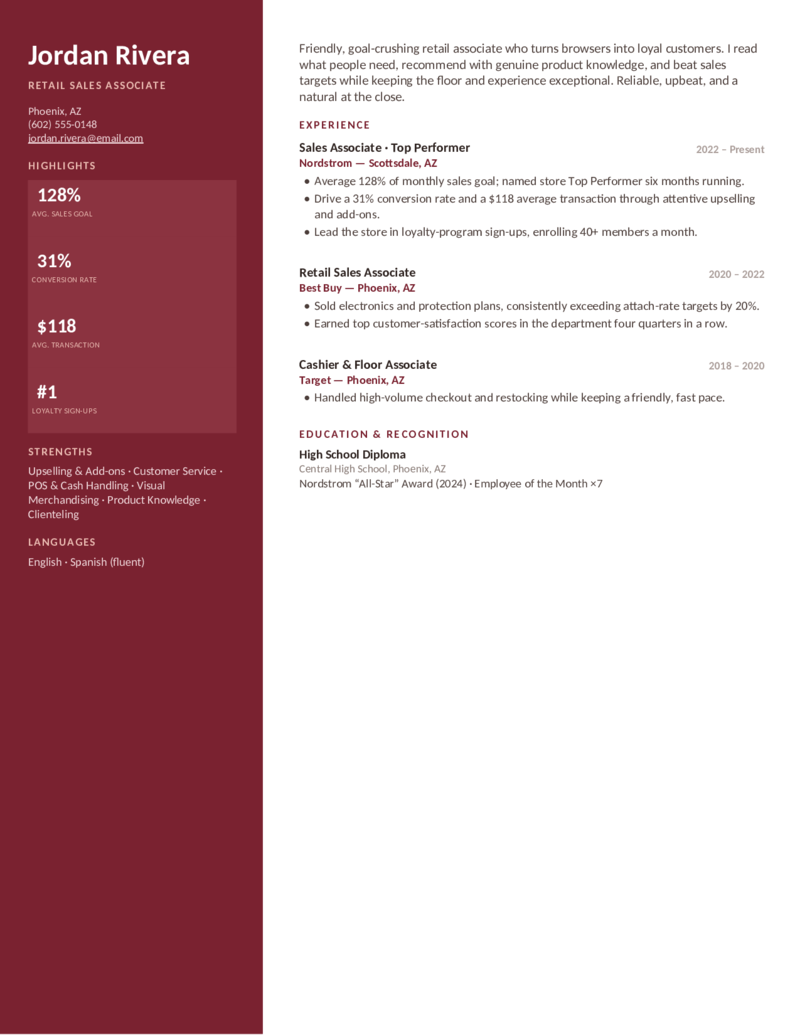
Retail — Burgundy
Retail sales associate layout — a warm sidebar with conversion, upsell, and average-transaction badges. Entry-friendly, bilingual-ready.
Retail — Teal preview
WordGoogle Docs
Retail — Teal
The retail-associate design in a fresh teal — sales-goal %, conversion rate, and loyalty sign-ups for in-store and floor sales roles.
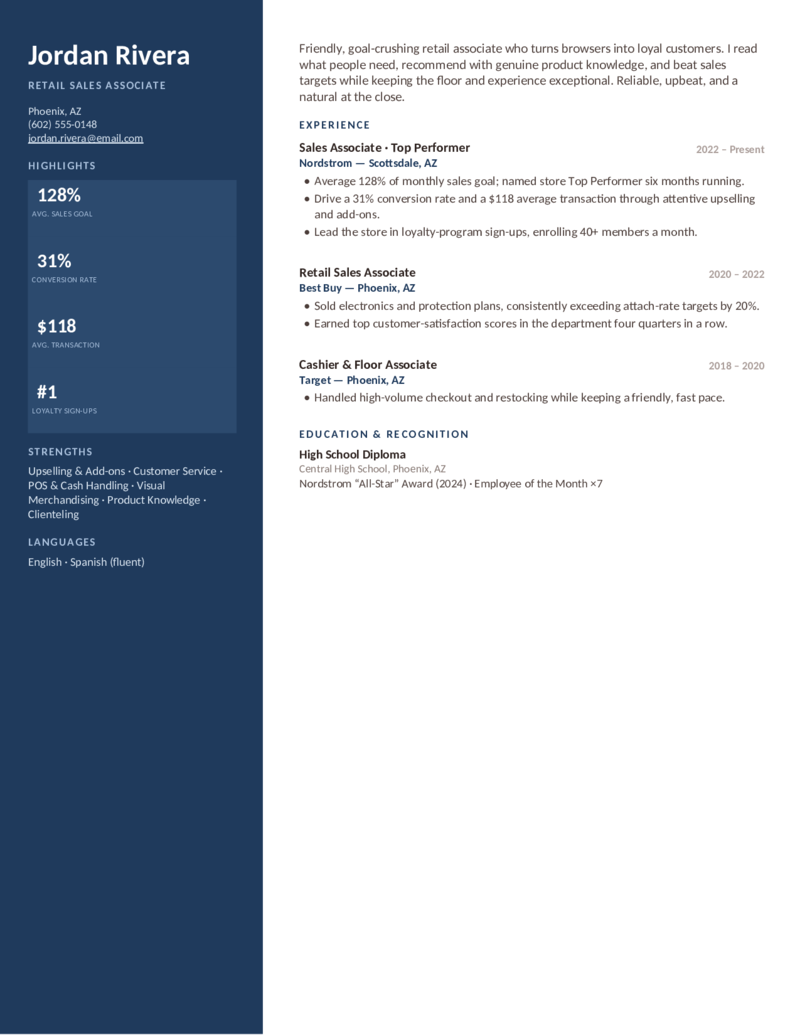
Retail — Navy preview
WordGoogle Docs
Retail — Navy
The retail-sales layout in a sharp navy — a clean badge sidebar that turns upselling and customer service into numbers a manager trusts.
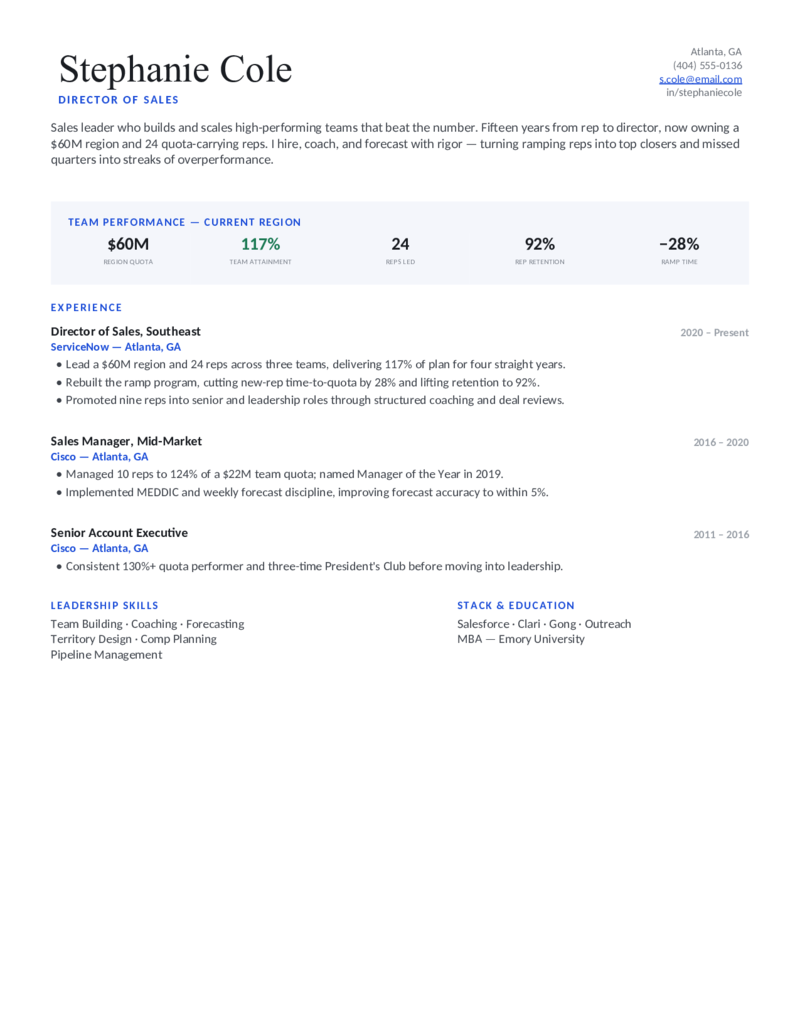
Director — Blue preview
WordGoogle Docs
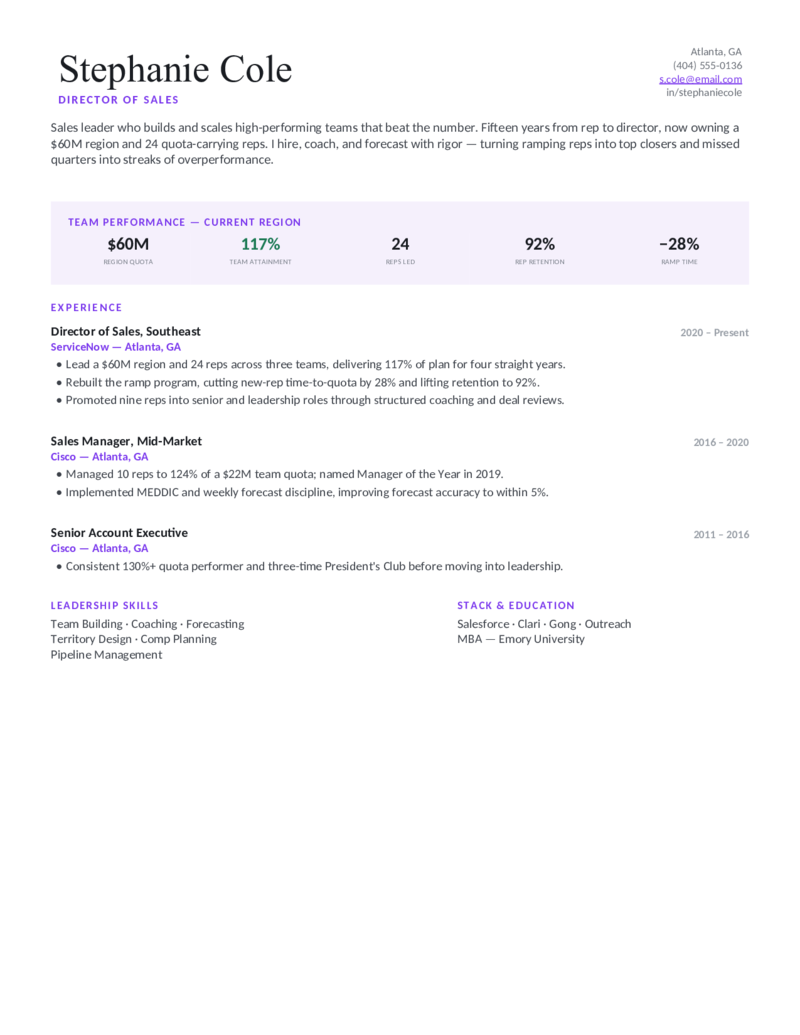
Director — Blue
Sales manager / director layout — a team-performance dashboard (region quota, team attainment, retention, ramp). For leaders who scale teams.
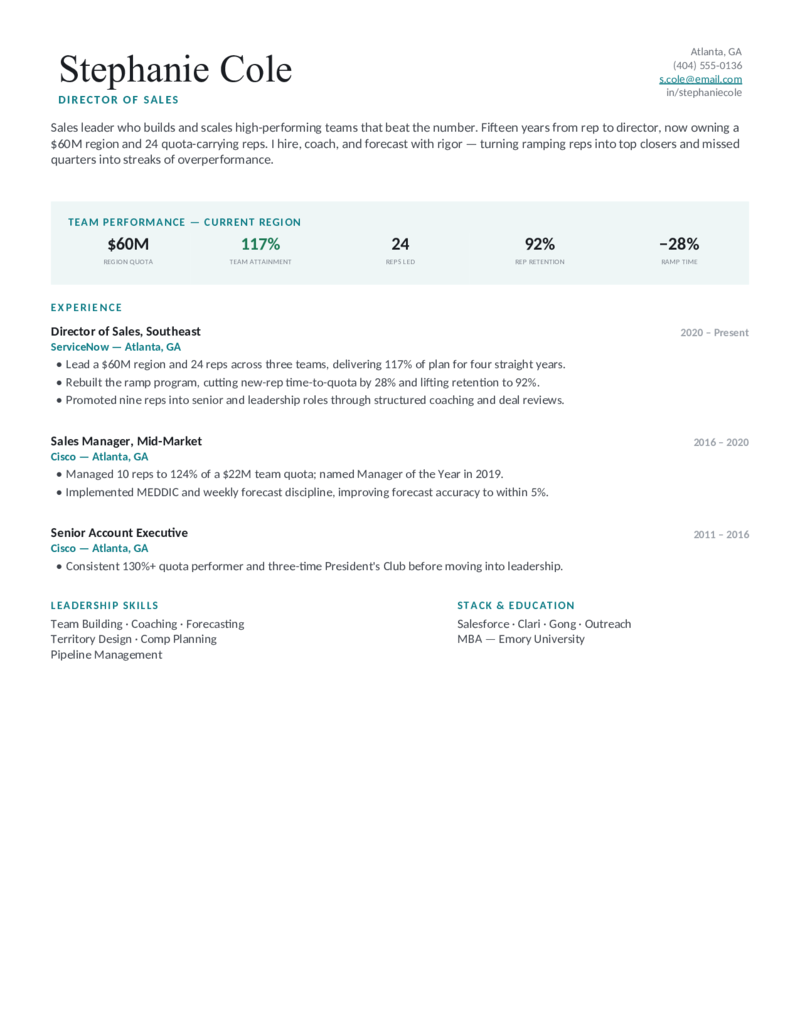
Director — Teal preview
WordGoogle Docs
Director — Teal
The sales-leadership design in a teal — forecast accuracy, rep retention, and coaching impact, framed as team outcomes, not personal closed-won.
Director — Plum preview
WordGoogle Docs
Director — Plum
The director/VP layout in a distinguished plum — region P&L, headcount, and ramp-time gains for regional sales managers and above.
Partner — Green preview
WordGoogle Docs
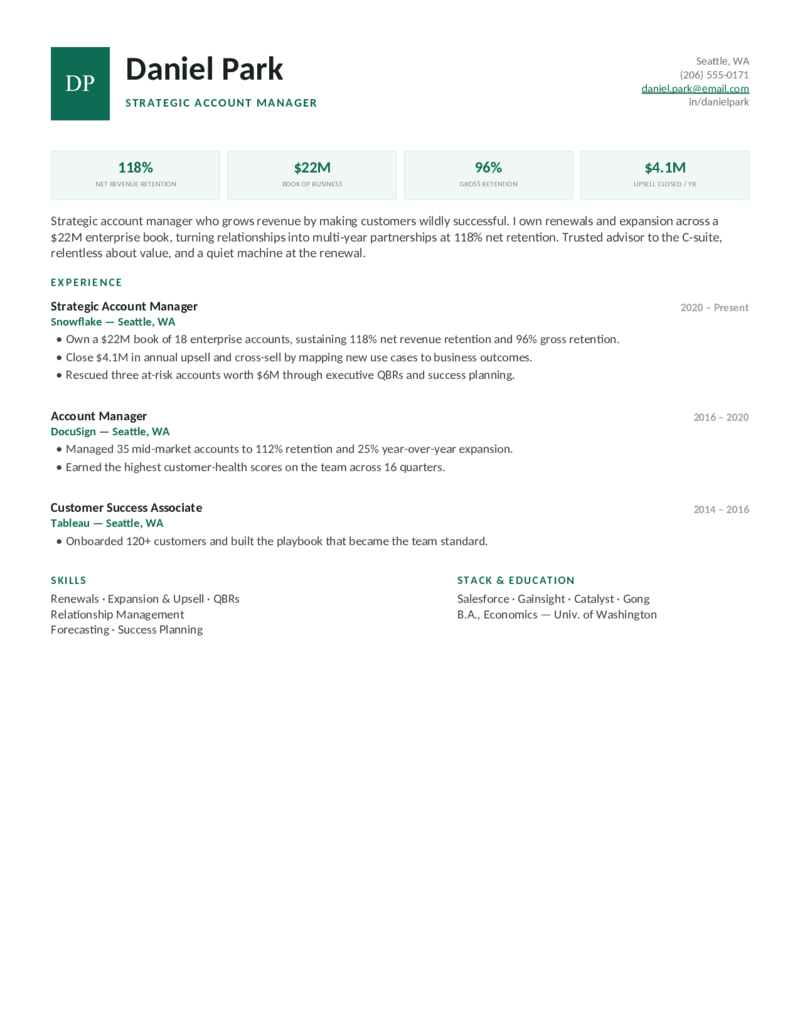
Partner — Green
Account manager layout — a monogram header with NRR, book-of-business, and upsell cards. For renewals and expansion, not new logos.
Partner — Navy preview
WordGoogle Docs
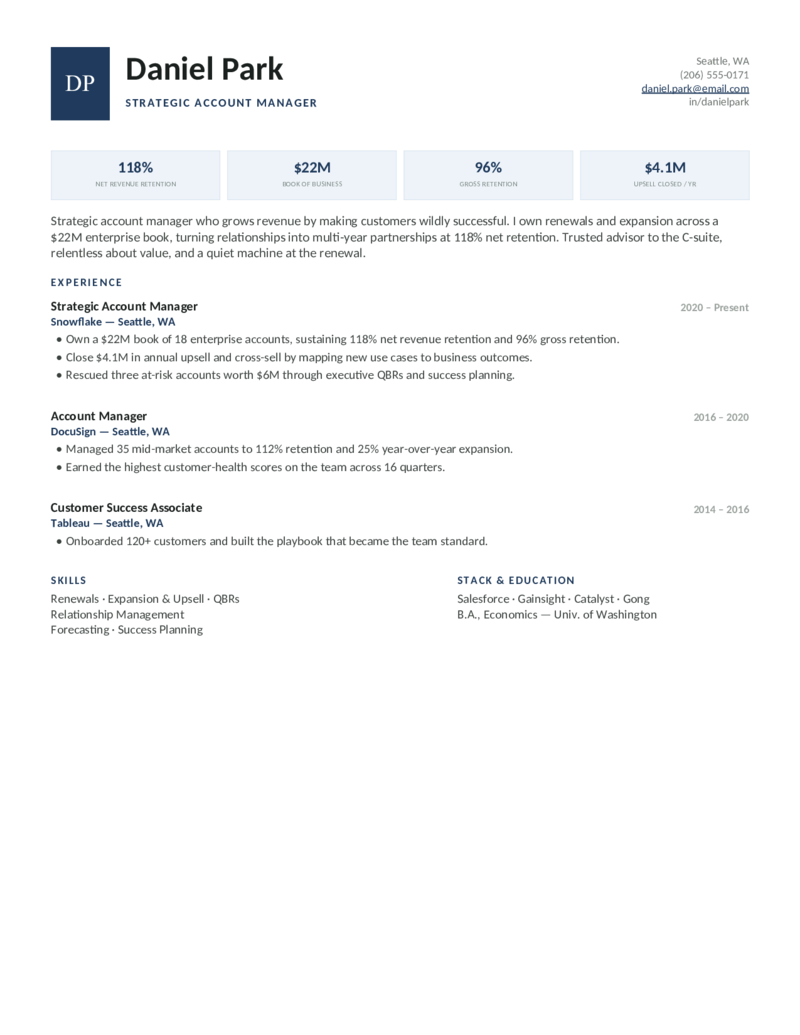
Partner — Navy
The strategic-account-manager design in a navy — net revenue retention and expansion revenue front and center for relationship-led sellers.
Partner — Copper preview
WordGoogle Docs
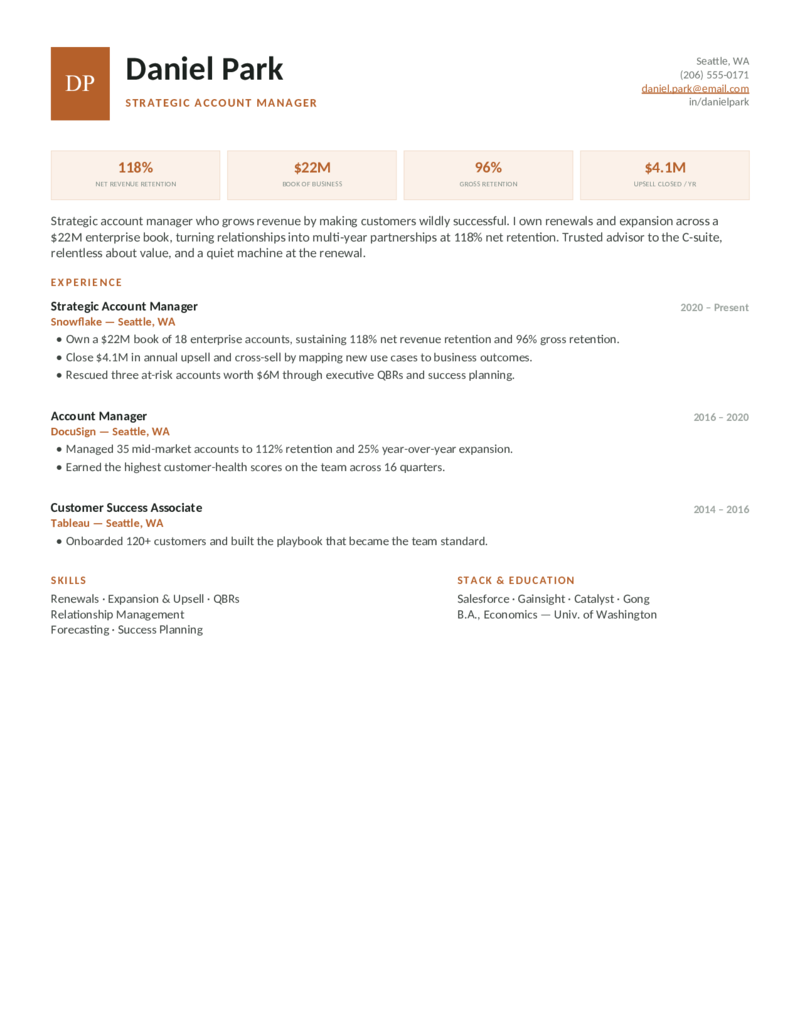
Partner — Copper
The account-management layout in a warm copper — gross retention, QBRs, and success planning for customer-success-minded AMs.
What to include

What goes on a sales resume.

A sales resume is judged on proof of revenue impact, not duties. Recruiters decide in seconds whether your numbers justify an interview — so lead with them. That’s exactly what these templates are built to do:

  • A metrics-loaded summary. Open with quota attainment %, headline $ closed, and your segment — e.g. “Enterprise SaaS AE, 132% of quota across 3 years, $2.1M new ARR in 2025.”
  • Quantified achievements. Quota %, revenue / ARR, ranking (“#1 of 40 reps”), deals closed, win rate, pipeline generated, growth %. Rankings often punch above raw dollars.
  • President’s Club & methodology. Surface quota-club awards as third-party proof, and name the methodologies ATS matches on — MEDDIC, Challenger, SPIN, Sandler.
  • CRM & sales stack. Salesforce, HubSpot, Outreach, Salesloft, Gong, ZoomInfo, Sales Navigator — list the tools you actually used; recruiters and parsers both scan for them.

Different role, different metrics. An SDR sells activity and pipeline; an AE sells closed ARR and win rate; a manager sells team attainment and ramp time; an account manager sells retention and expansion. Pick the design that leads with your numbers.

Make it yours

Fill it in and start applying.

  1. Click Open in Google Docs to copy it into your Drive, or Download Word for the .docx.
  2. Front-load your summary with quota %, $ closed, and ranking, then drop your real numbers into the stat row and bullets.
  3. Can’t share exact figures? Use percentages, ranges, and rankings (“132% of quota,” “top 5%”) — never invent a number you can’t defend.
  4. Keep it to one page, mirror the job posting’s keywords, export a PDF to send and a Word copy for ATS portals.
Common questions

Sales resume FAQ

What should a sales resume include to stand out?
Lead with a metrics-driven summary, then prove impact with quantified results: quota attainment (e.g., "127% of quota"), revenue or new ARR closed, ranking ("#2 of 35 reps"), and awards like President's Club. Name your sales methodology (MEDDIC, Challenger, SPIN) and your CRM stack (Salesforce, HubSpot, Outreach, Gong). Recruiters skim for numbers first, duties second — these templates put the numbers up top.
How do I quantify achievements if I can't share exact revenue figures?
Switch from absolute dollars to percentages and ratios: "grew territory 34% YoY," "132% of quota," "top 5% of 90 reps," "win rate up from 18% to 27%." Percentages, rankings, deal counts, and growth rates communicate impact without disclosing confidential ARR. Never invent a number — if you can't explain how you got it in an interview, cut it.
Where do I put President's Club and sales awards?
Surface them where they're seen fastest: name-drop your top award in the summary, then list a dedicated "Awards & Recognition" line under the relevant role (e.g., "President's Club 2024 & 2025 — top 8% of AEs"). They're third-party proof of quota performance, so don't bury them at the bottom — the Closer and Director designs feature them prominently.
Should I list sales methodologies and CRM tools — and where?
Yes — ATS parsers keyword-match them. Put your CRM and sales stack (Salesforce, HubSpot, Outreach, Salesloft, Gong, ZoomInfo) in a Skills/Tools block, and weave methodologies (MEDDIC, Challenger, Sandler) into the bullets where you actually applied them ("qualified pipeline with MEDDIC, lifting forecast accuracy"). List only tools and frameworks you genuinely used.
Are these sales resume templates ATS-friendly?
Yes. They use clean, parseable layouts with standard headings and selectable text — no text trapped in images — and download as Word (.docx), the format with the highest ATS parse-success rate. Mirror the exact keywords from the job posting (e.g., "full-cycle," "enterprise," "ACV," "net-new logos") so the parser scores you correctly.
How do I write a sales resume with no experience?
Open with a short objective, then lead with transferable proof: any role where you hit a target, upsold, handled customers, or competed. Quantify it ("ranked #1 of 12 servers in upsell revenue," "raised $4K in a fundraiser"). Highlight coachability, communication, and resilience, and add relevant coursework or certifications. The Retail design works well for first sales jobs and career-changers.
What's the difference between an SDR/BDR, account executive, and sales manager resume?
An SDR/BDR resume sells activity and pipeline: meetings booked, SQLs and pipeline generated (use the Hunter design). An account executive resume sells closing: quota %, new ARR/ACV, deal size, win rate, President's Club (Closer). A sales manager or director resume sells team outcomes and leadership: team quota attainment, forecast accuracy, ramp-time and win-rate improvement, and coaching (Director).

Sales resume templates · Updated June 2026

Keep going

More resume templates.

Related
Customer Service Resumes
Retail and inside-sales searchers cross-shop here — a natural bridge for career-changers and entry-level reps.
Open
Pair it
Cover Letter Templates
Add a short, metrics-led sales cover letter to introduce yourself and reinforce your numbers.
Open
All categories
Browse every resume template
Professional, customer service, project manager, business analyst, and more — all free and editable in Word and Google Docs.
Open